
Log Into the Pioneer Airlink AppUpdated 7 months ago
Introduction
This article explains how to log into the Pioneer Airlink app.
A Pioneer Airlink app account must be created in order to log into the app. For more information, click this link.
Steps
1. Open the Pioneer Airlink app.
2. Tap the "Log In" button. 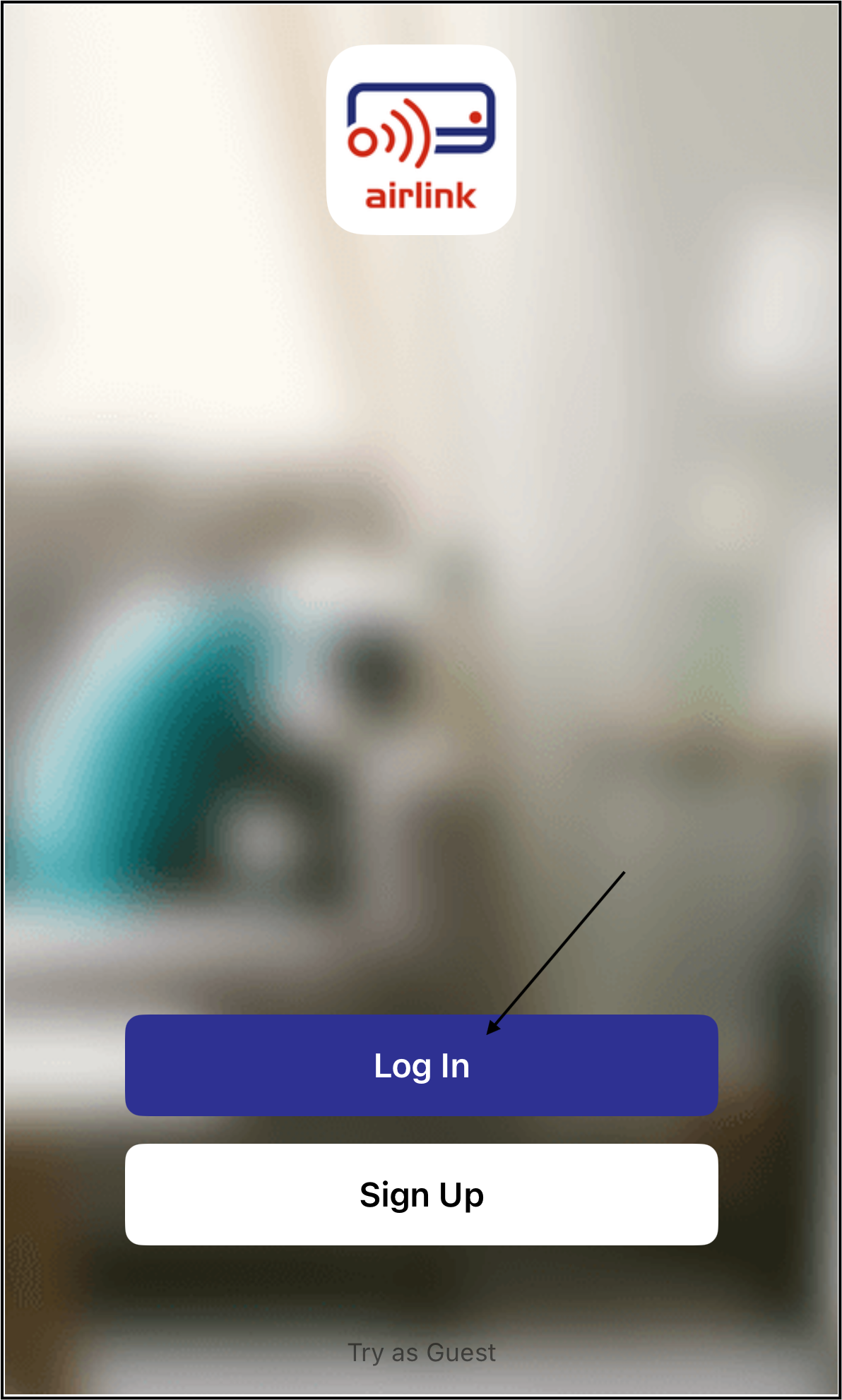
3. Select the country or region for the account. 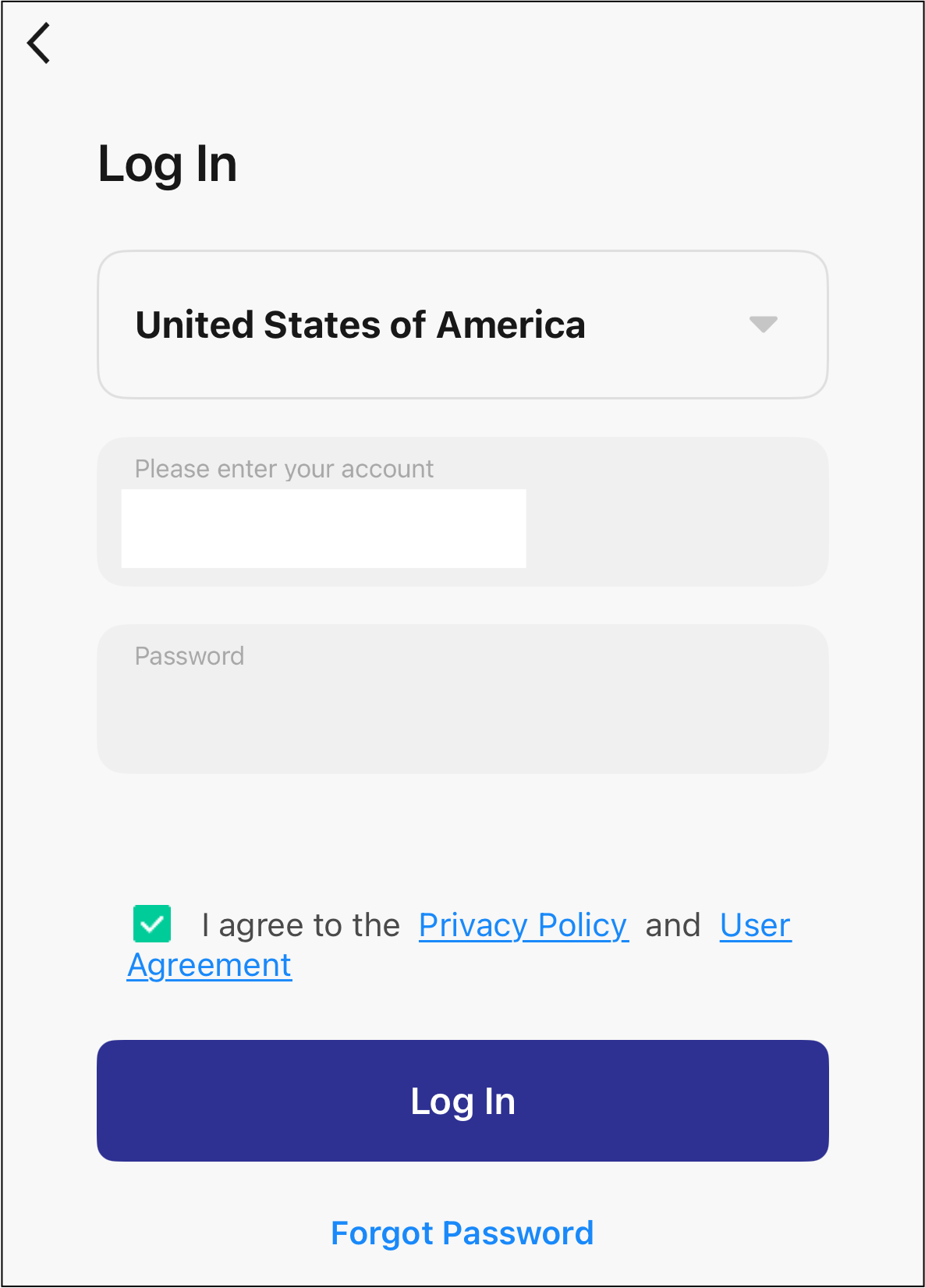
4. Enter the email address for the account.
5. Enter the password for the account.
6. Tap the box next to the "I Agree Privacy Policy and User Agreement" prompt.
7. Tap the "Log In" button.
The user is now logged into the app.
Note: If you forgot the password or want to reset it, refer to this link for more information.