
Change Your Login Password for the Pioneer Airlink AppUpdated 7 months ago
Introduction
This article explains how to change your login password for the Pioneer Airlink app.
Users can change their login passwords before or after logging into the app. Users can tap "Forgot Password" in the login screen to reset their password, or access the app settings to reset it. Both procedures are listed below.
Forgot Password
1. Open the Pioneer Airlink app.
2. Tap "Log In". 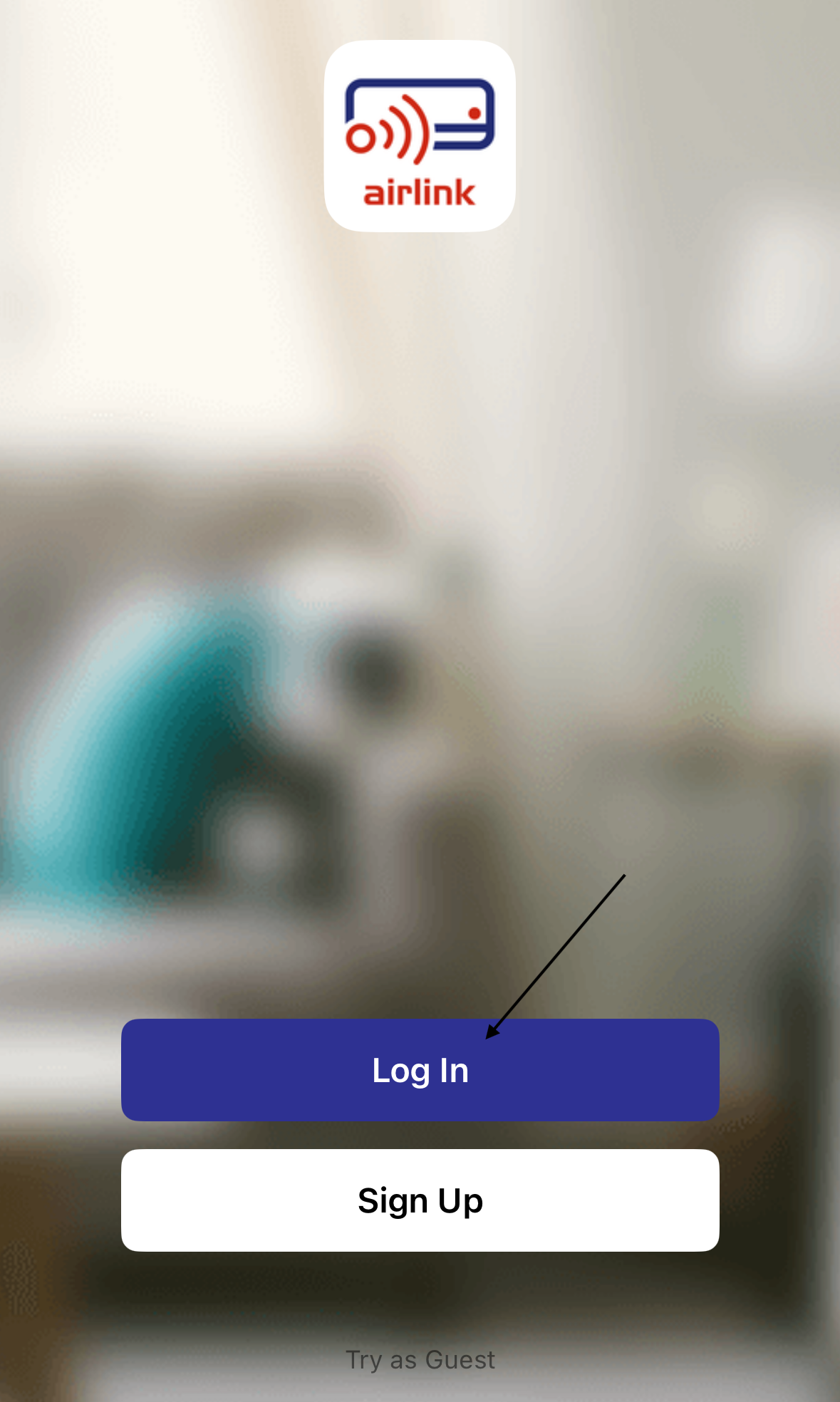
3. Tap "Forgot Password". 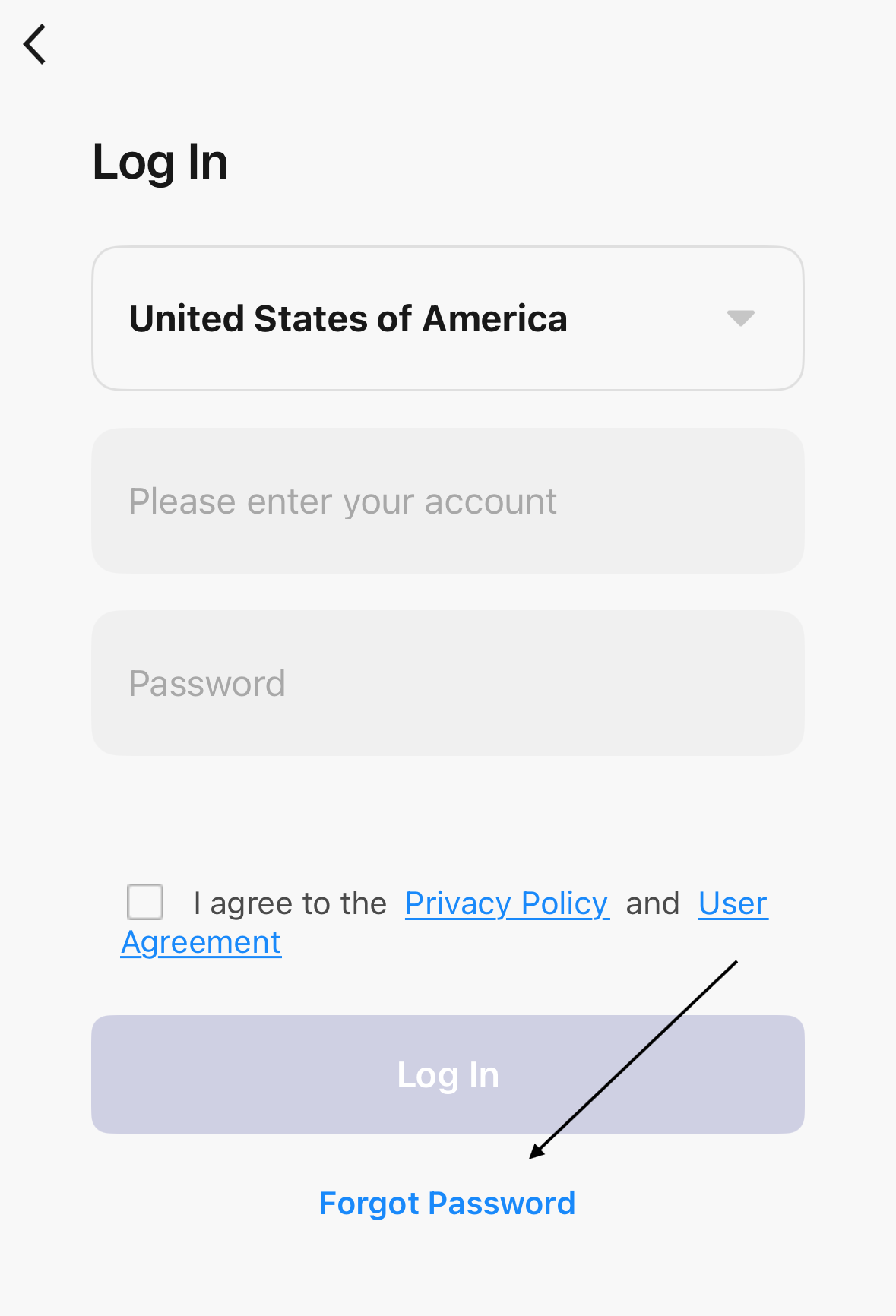
4. Enter the email address for the account. 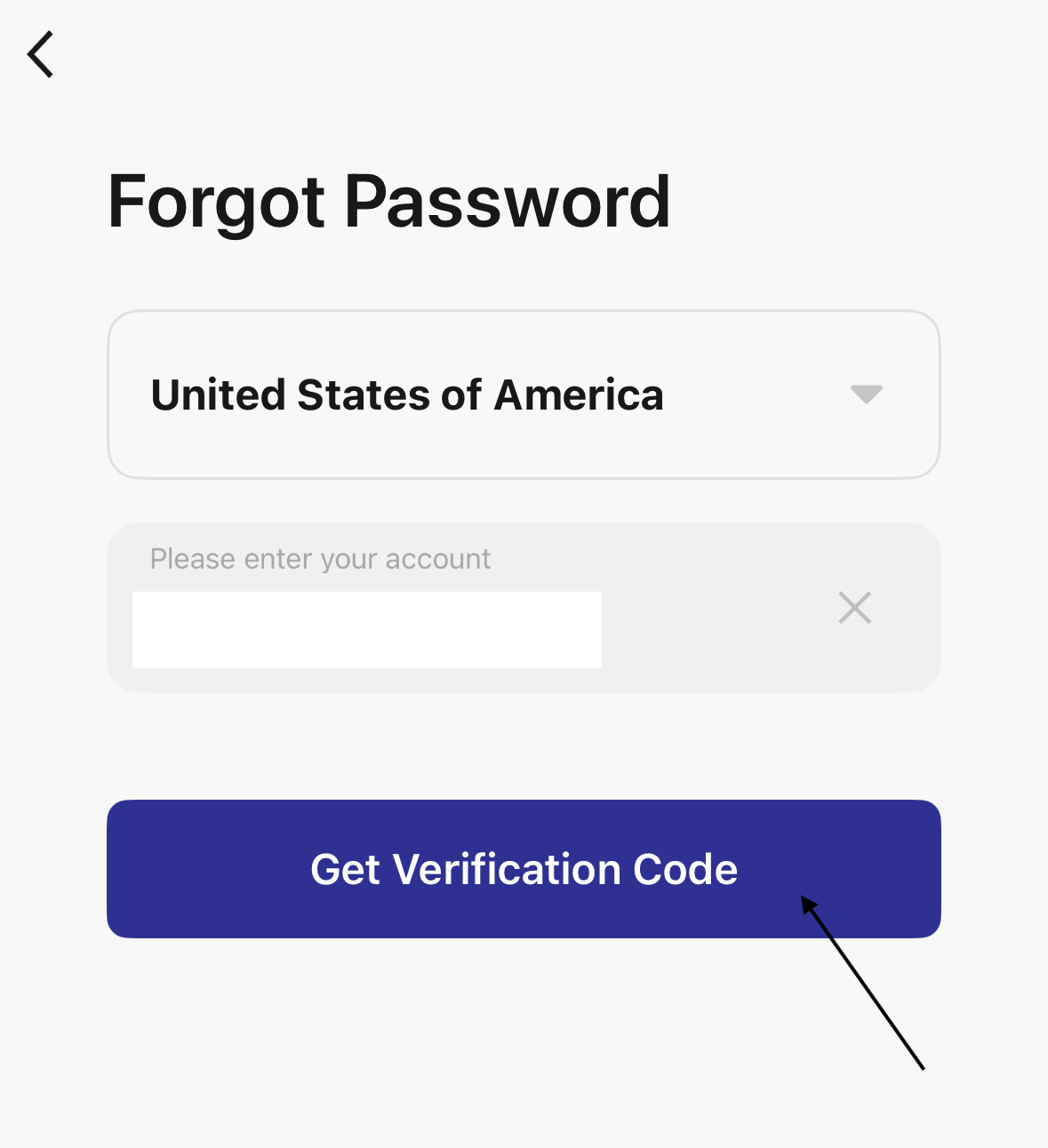
5. Tap "Get Verification Code" to send a verification code to the email address linked to the app.
6. Enter the verification code sent in the email. 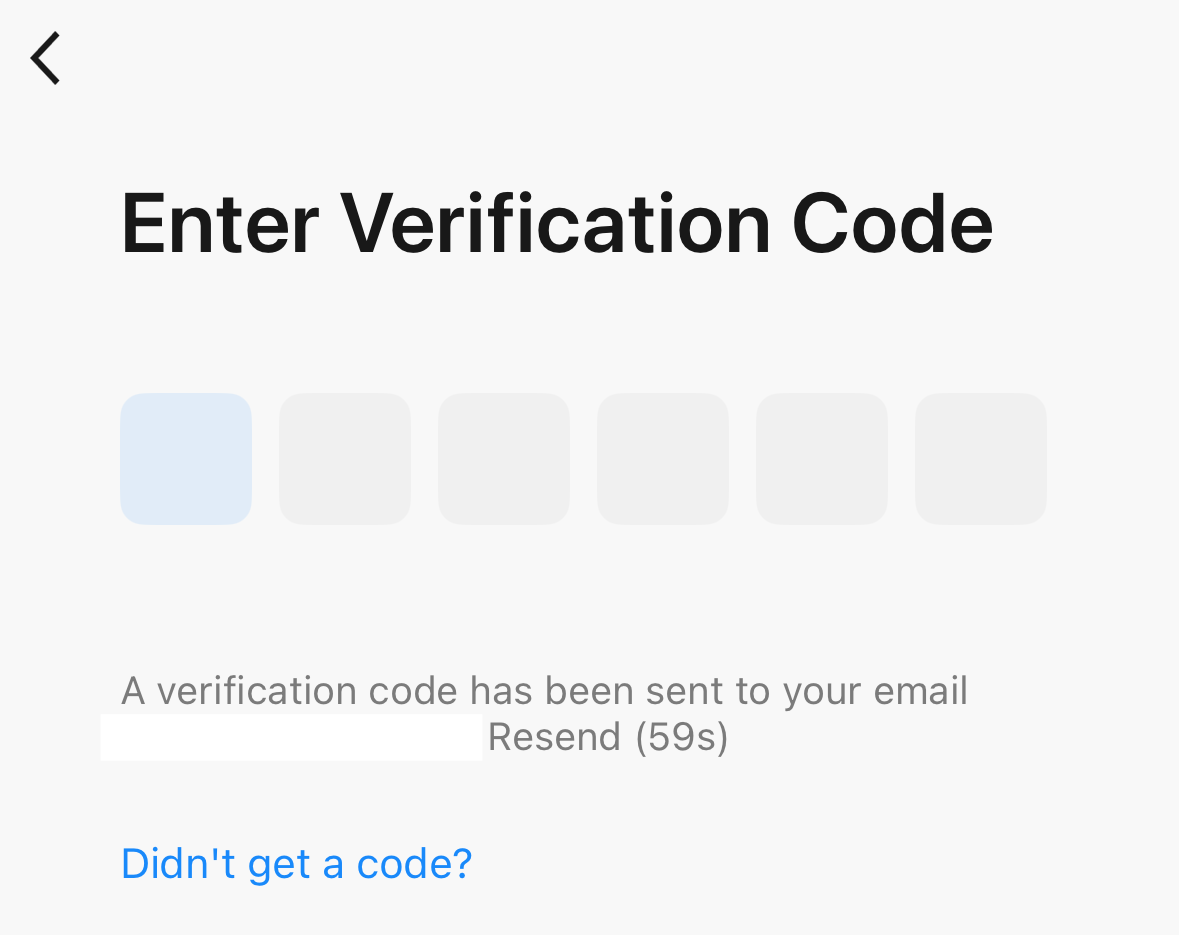
7. Set a new login password for the account. The password must be 6-20 characters. 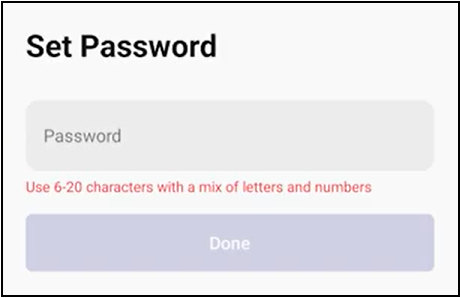
8. Tap "Done" to confirm the new password.
The new password is now set for the account.
Change Password in the App Settings
1. Open the Pioneer Airlink app.
2. Open the "Me" tab. 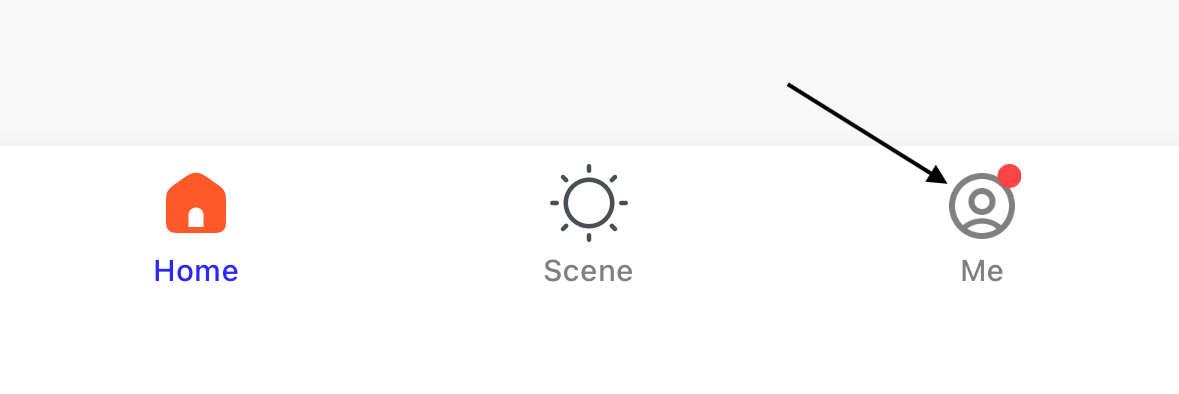
3. Tap the settings icon in the top-right corner of the screen. 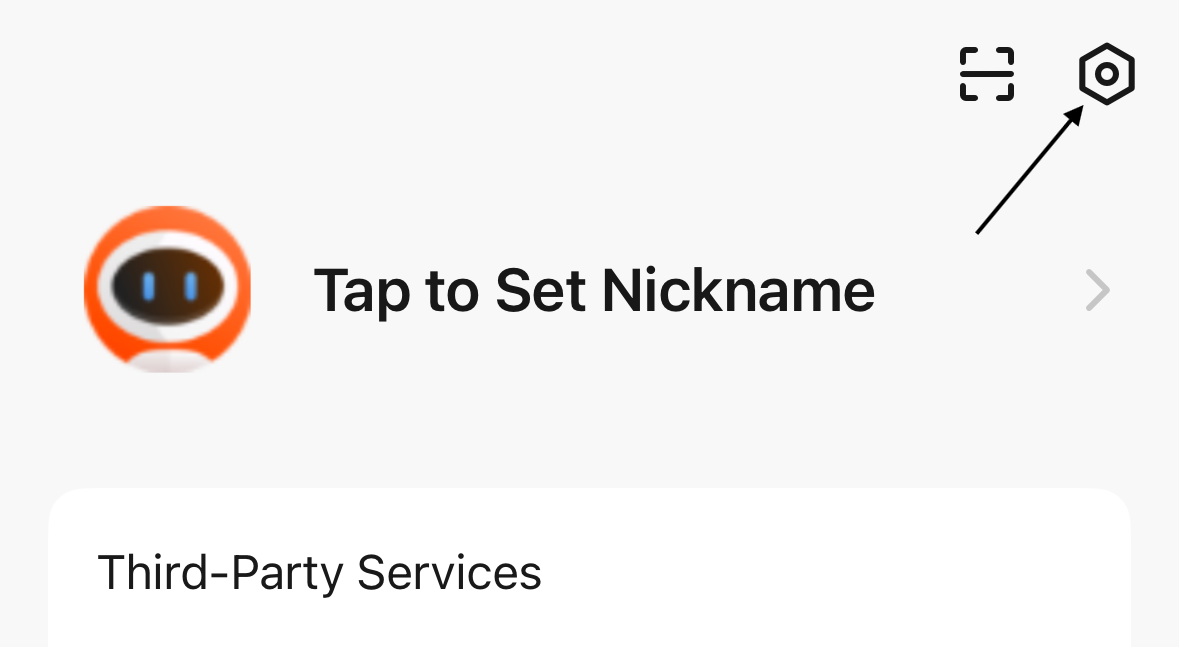
4. Tap "Account and Security". 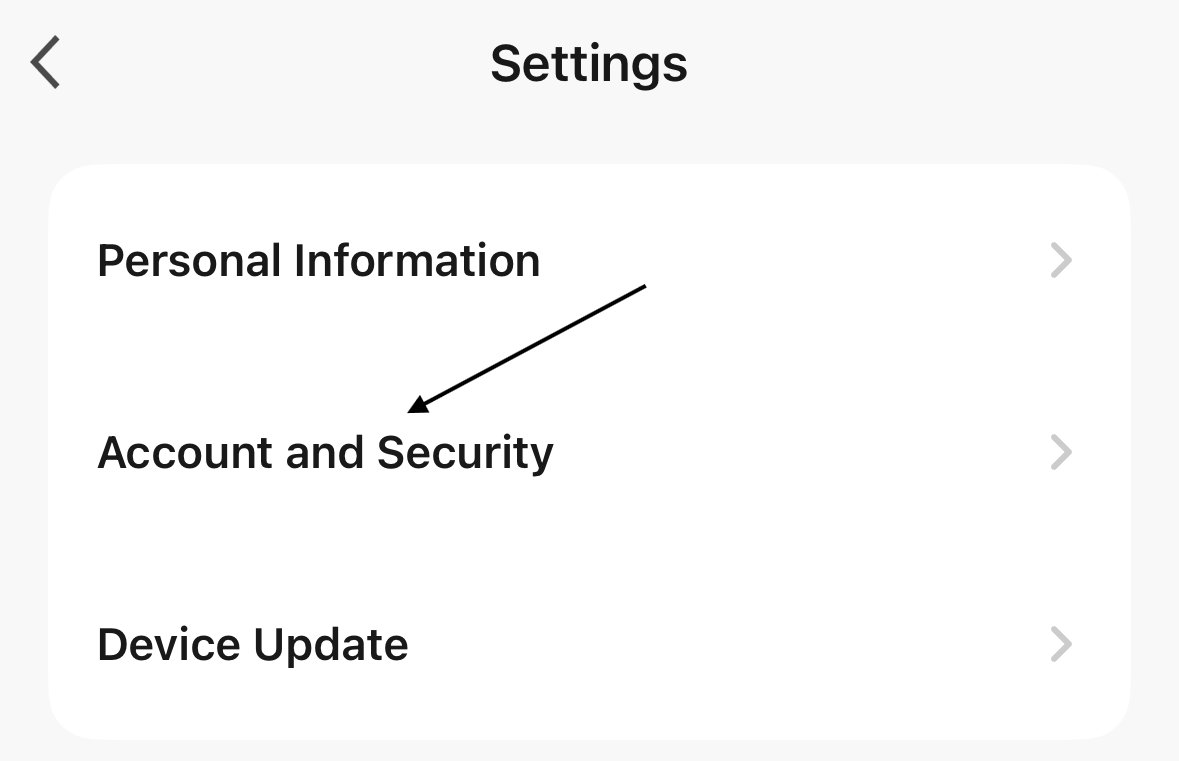
5. Tap "Change Login Password". 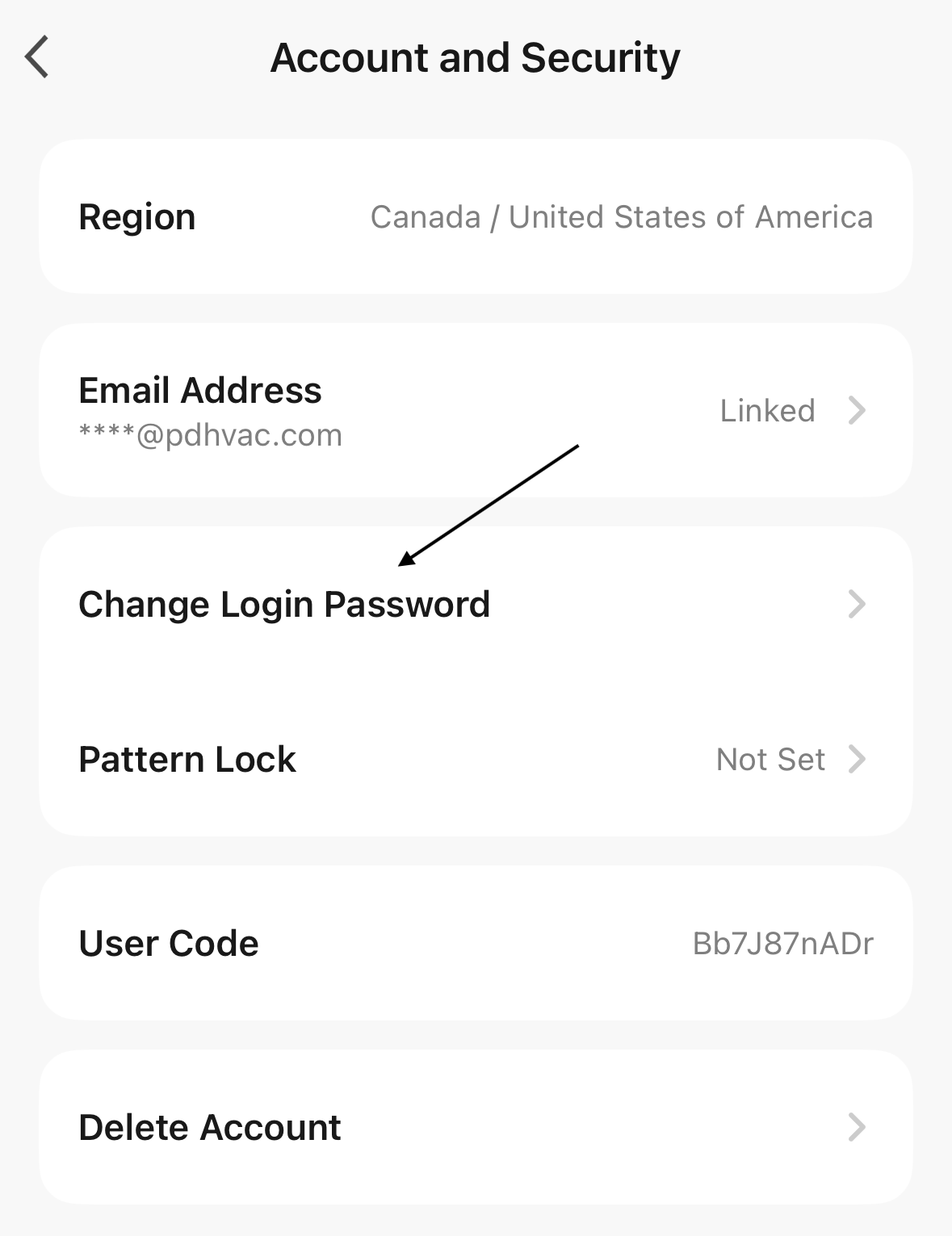
6. Tap "Get Verification Code" to send a verification code to the email linked to the app. 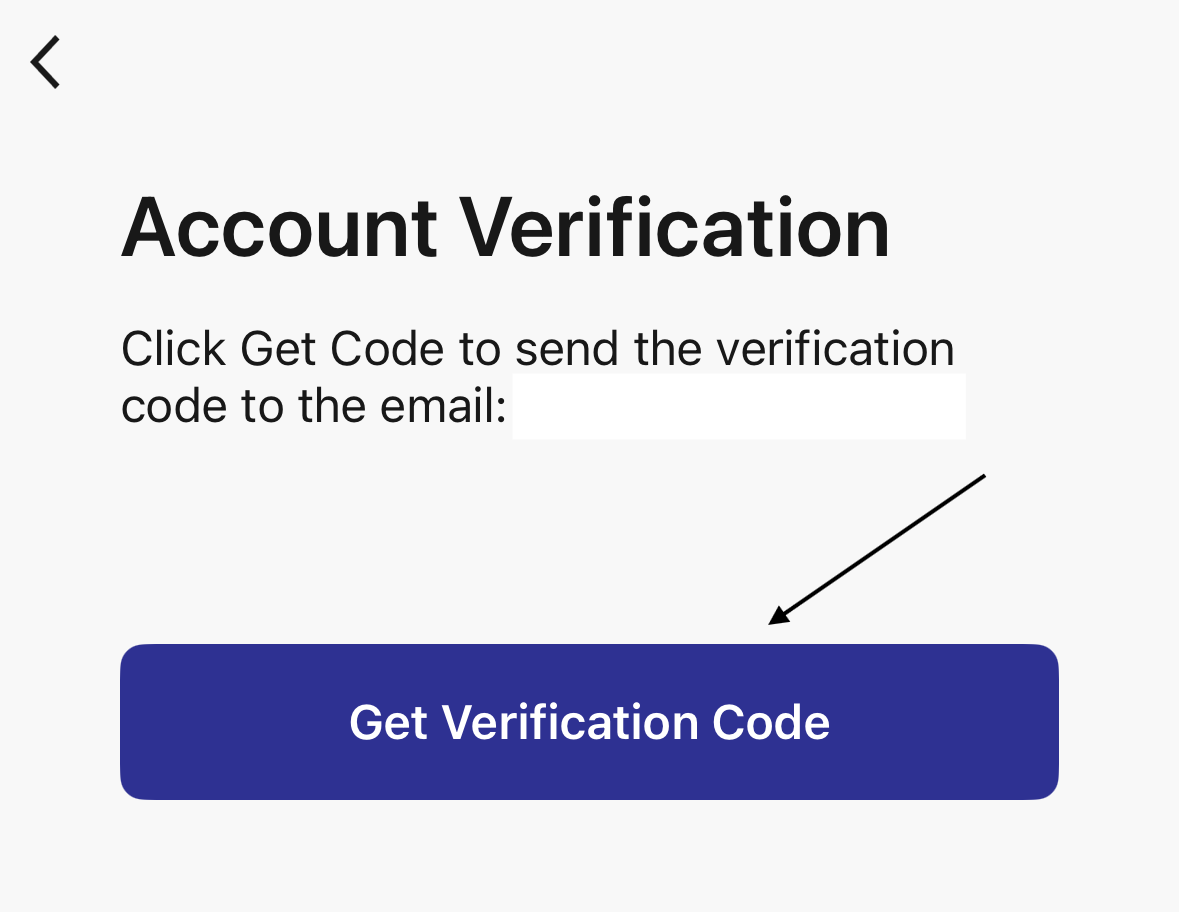
7. Enter the verification code sent in the email.
8. Set a new login password for the account. The password must be 6-20 characters. 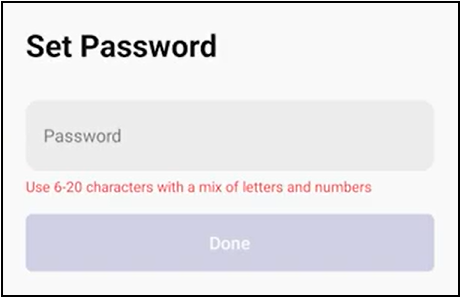
9. Tap "Done" to confirm the new password.
The new password is now set for the account.