
Create a Pioneer Airlink App AccountUpdated 7 months ago
Introduction
This article explains how to create a Pioneer Airlink app account.
First-time users must create an account in order to log in and access the app functions.
Steps
1. Open the Pioneer Airlink app.
2. Read the user agreement in full, then tap "Agree" when finished. 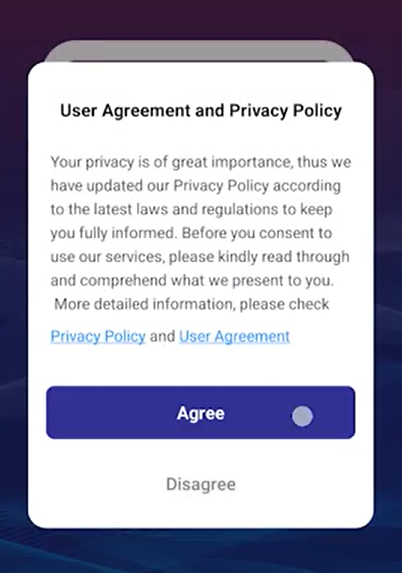
3. Tap "Sign Up" to create an account. 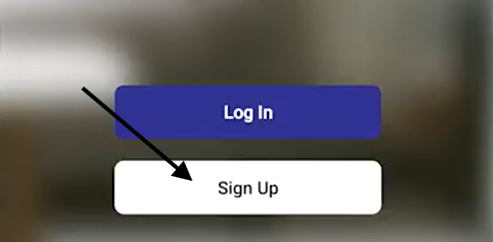
4. Select the country or region for the account.
5. Enter the email address you want to link to the account. 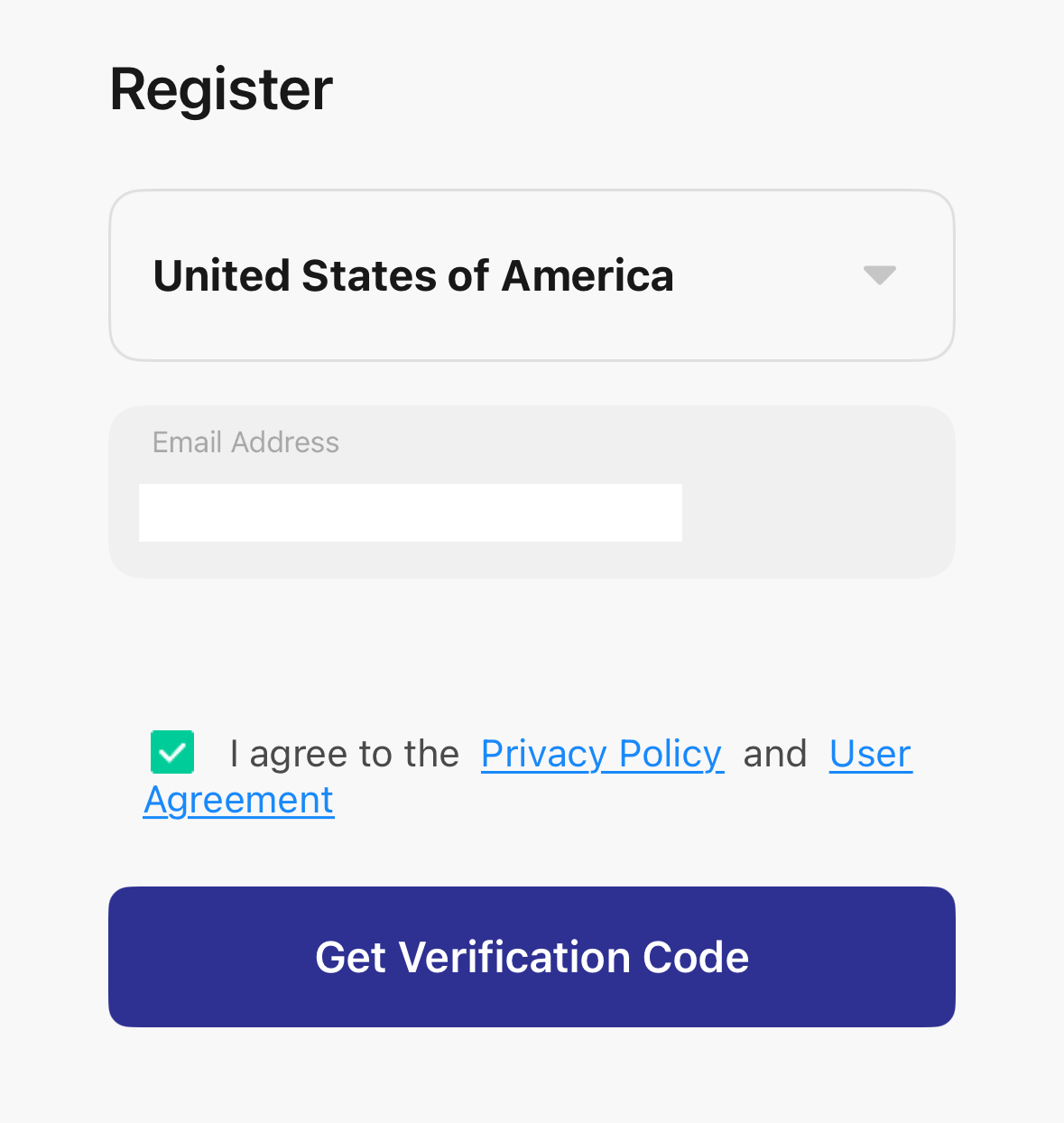
6. Tap the box next to the "I Agree Privacy Policy and User Agreement" prompt.
7. Tap "Get Verification Code" to send a verification code to the email address entered earlier.
8. Enter the verification code sent in the email.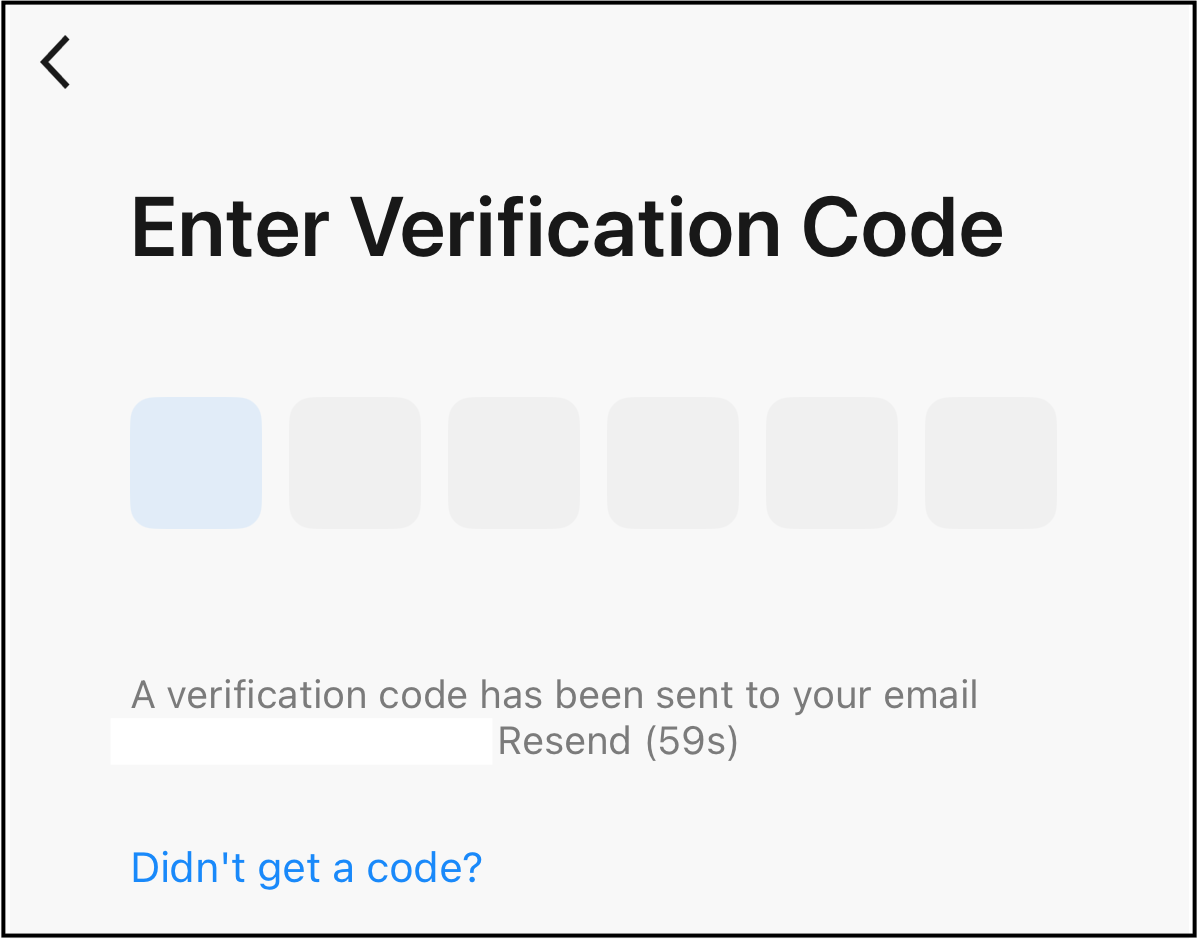
9. Set a login password for the account, then tap "Done". The password must be 6-20 characters with a mix of letters and numbers. 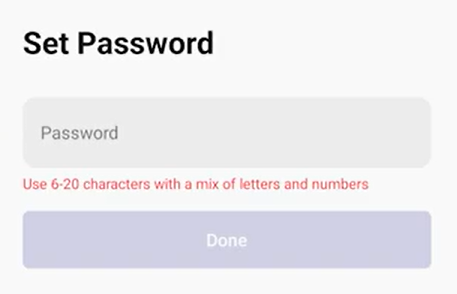
10. Accept the user permissions. The check mark indicates the permission is selected. 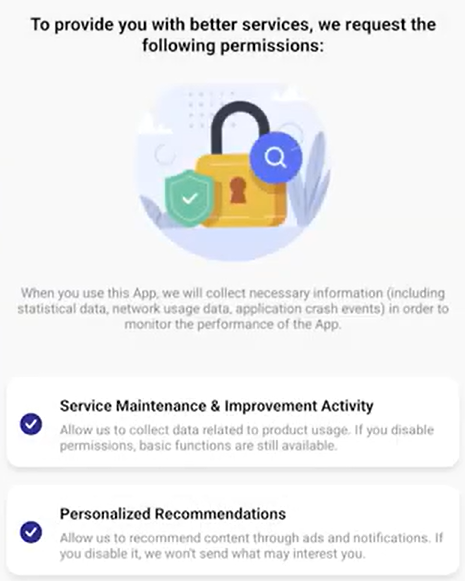
11. Tap "Go to App".
The Pioneer Airlink app account is now created.