Update the Software for Vertex Ducted Central Split (DYC-18) SystemsUpdated 2 months ago
Introduction
This article explains how to update the software for Vertex Ducted Central Split (DYC-18) systems.
A USB port is included on the control board, allowing a certified individual to update the software if needed.
Steps
- Disconnect the power supply for the system.
- Turn off the thermostat.
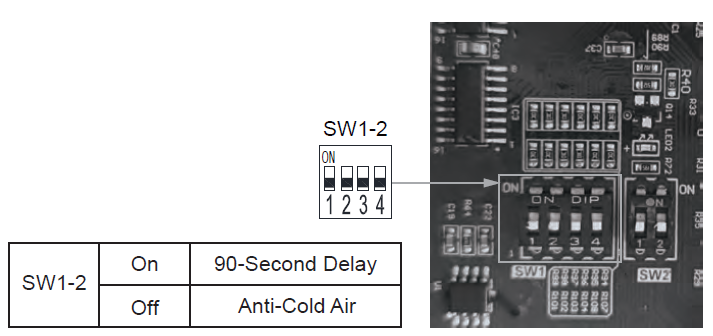
- Set the SW1-4 dip switch to "On."
- Reconnect the power supply.
- Set the SW1-4 dip switch to "Off." The green light will always be on.
- Insert a USB flash drive containing the software update file into the port.
- Wait until the green light flashes slowly.
- Remove the USB flash drive.