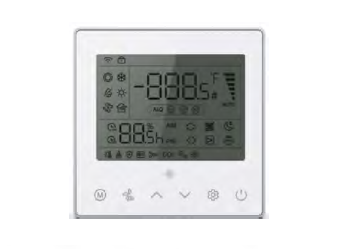
Connect 12V Wired Controllers to Vertex Ducted Central Split (DYC-18) SystemsUpdated 2 months ago
Introduction
This article explains how to connect a 12V wired controller to Vertex Ducted Central Split (DYC-18) systems.
Steps
1. Set the dial switch of the indoor and outdoor units to RS-485 communication mode.
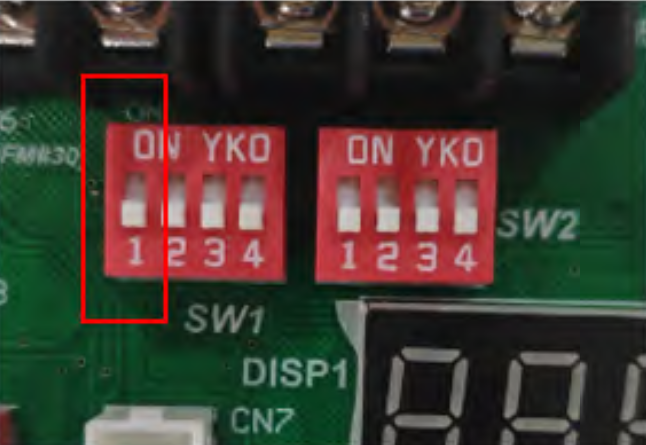
Turn the SW1-1 dial switches on the indoor unit main board and outdoor unit display board to the "On" position.
| SW1-1 |  | RS-485 Communication Mode |
 | 24V Control (Factory Default) |
Indoor Unit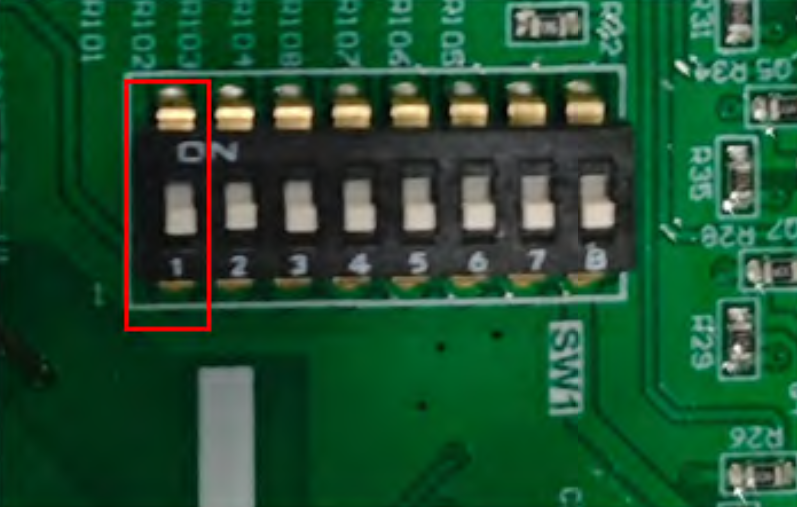
Outdoor Unit
2. Connect the RS-485 communication wire.
Connect the communication wire to the indoor and outdoor units, P-P, Q-Q, E-E one by one. Use 2-core shielded wires, with the shielding layer of the cable connected to E. 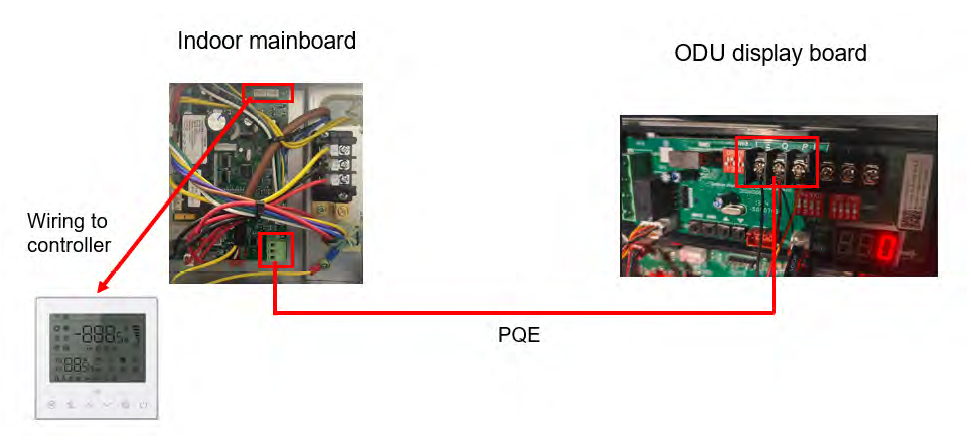
Note: The wired controller communication cable is provided by the factory. The P, Q, E communication cables for the indoor and outdoor units need to be purchased separately.
3. Connect the 12V wire controller.