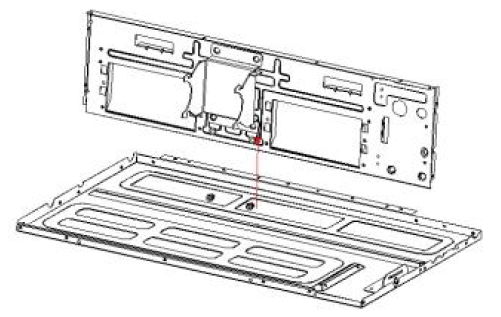
Indoor Unit Disassembly Guide: Quantum Ultra Ducted Ceiling Concealed SystemsUpdated 18 hours ago
This article provides steps for disassembling the indoor unit of Quantum Ultra Ducted Ceiling Concealed (RYT-24) systems.
Steps
Before Disassembly
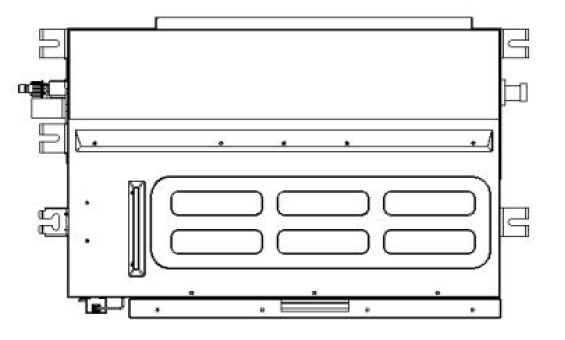
1. Remove the Filter
A. Disassemble the filter assembly.
B. Remove the filter.
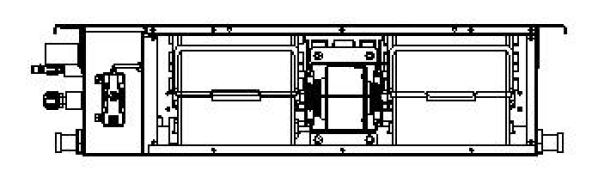
2. Remove the Base, Air Return Plate, and USB Cable
A. Remove the screws from the left and right side panels and the center partition, then remove the base.
B. Remove the screws securing the air return plate to the left side plate and the electric control box, then remove the air return plate.
C. Remove the Wi-Fi module cover and disconnect the USB cable.
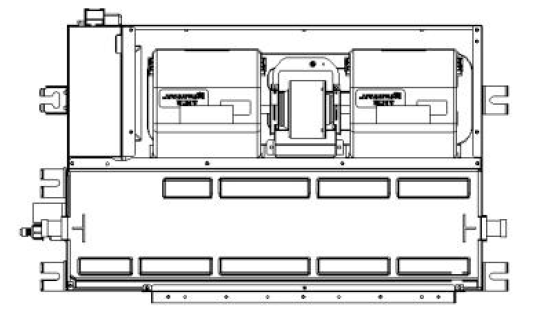
3. Remove the Front Panel
A. Remove the screws from the front panel, the remove the panel.
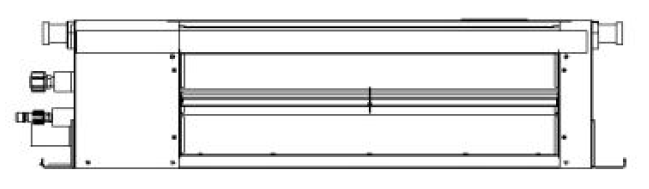
4. Remove the Electric Control Box Cover and Hooks
A. Remove the screws from the electric control box cover, then remove the cover.
B. Remove the screws from the hooks, then remove the hooks.
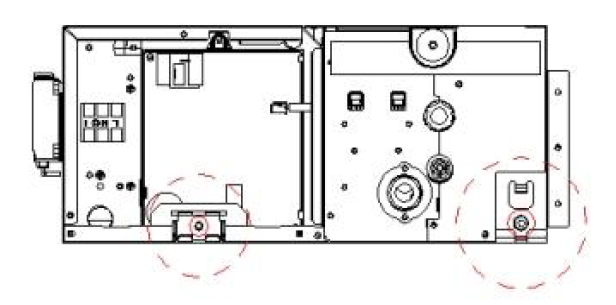
5. Remove the Electric Control Box
A. Remove the screws securing the electric control box, then remove the box.
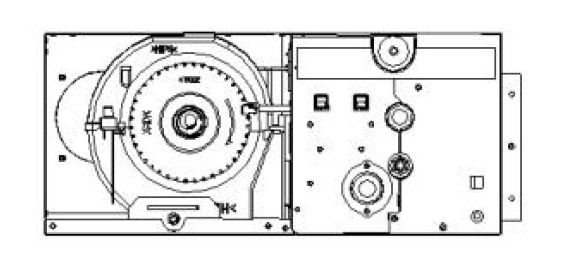
6. Remove the Base Plate and Water Tray
A. Remove the base plate.
B. Lift the drain nozzles on both sides, then remove the water tray.
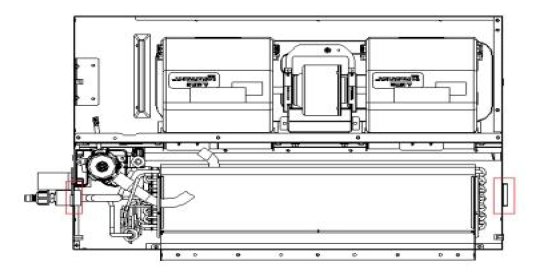
7. Remove the Right Side Plate and Drain Mounting Assembly
A. Remove the screws securing the right side plate to the evaporator end plate, top plate, and drain mounting assembly, then remove the right side plate.
B. Remove the drain nozzle from the drain mounting assembly, then remove the assembly.
8. Remove the Water Pump Assembly and Left Side Panel
A. Remove the screws securing the water pump assembly to the center partition, then remove the water pump assembly.
B. Remove the screws securing the left side panel assembly to the evaporator module, then remove the left side panel assembly.
C. Remove the screws securing the left side panel to the top panel and center partition, then remove the left side panel.
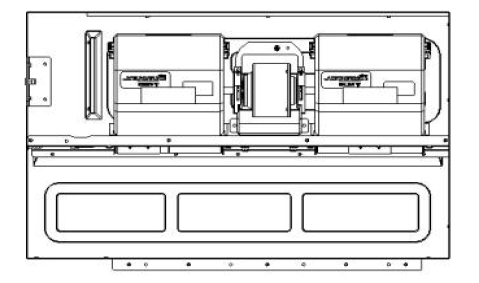
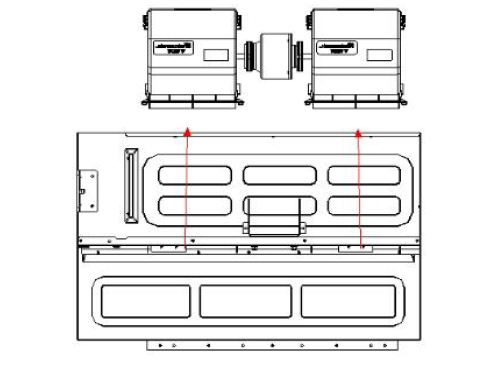
9. Remove the Volute Assembly and DC Fan Motor
A. Remove the motor retaining clip, then remove the volute assembly and DC fan motor in the direction shown in the image.
10. Remove the Center Partition Assembly
A. Remove the screws securing the the center partition assembly to the top panel, then remove the center partition assembly.