Install the USB Drive ModuleUpdated 10 days ago
Introduction
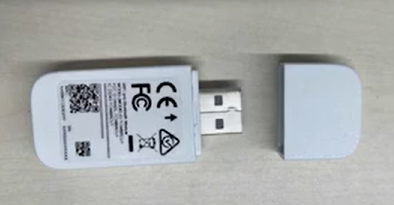
This article explains how to install the USB drive.
The Quantum Ultra (WYT-24) and Hyperformance (WYT-25) High-Wall systems need the USB drive module installed. The USB drive is included with the purchase of these systems.
The Quantum Ultra 8-Way Ceiling Cassette (CYT-24), Ducted Ceiling Concealed (RYT-24), and Universal Floor-Ceiling Flex (UYT-24) systems have the USB drive module already installed. These systems are part of our light commercial lineup.
Video Tutorial
Watch our video tutorial on how to install the USB drive. The tutorial explains the installation process for the USB drive from 1:05-1:20 in the video.
Steps
1. Lift up the front panel of the indoor unit, then remove the screw holding in the USB drive cover. 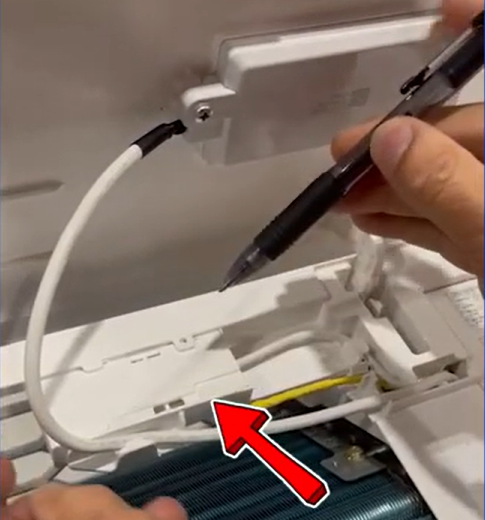
2. Insert the USB drive. 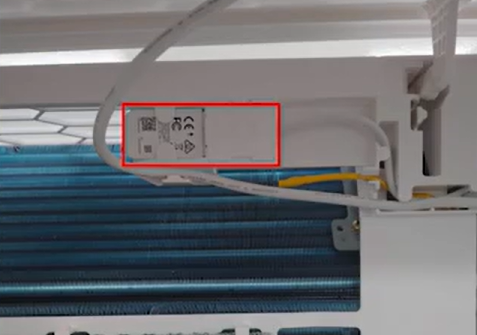
3. Re-fasten the USB drive cover, then lower the front panel of the indoor unit.
4. Restore power to the system.
The USB drive module is now installed.
Location of the USB Drive Module
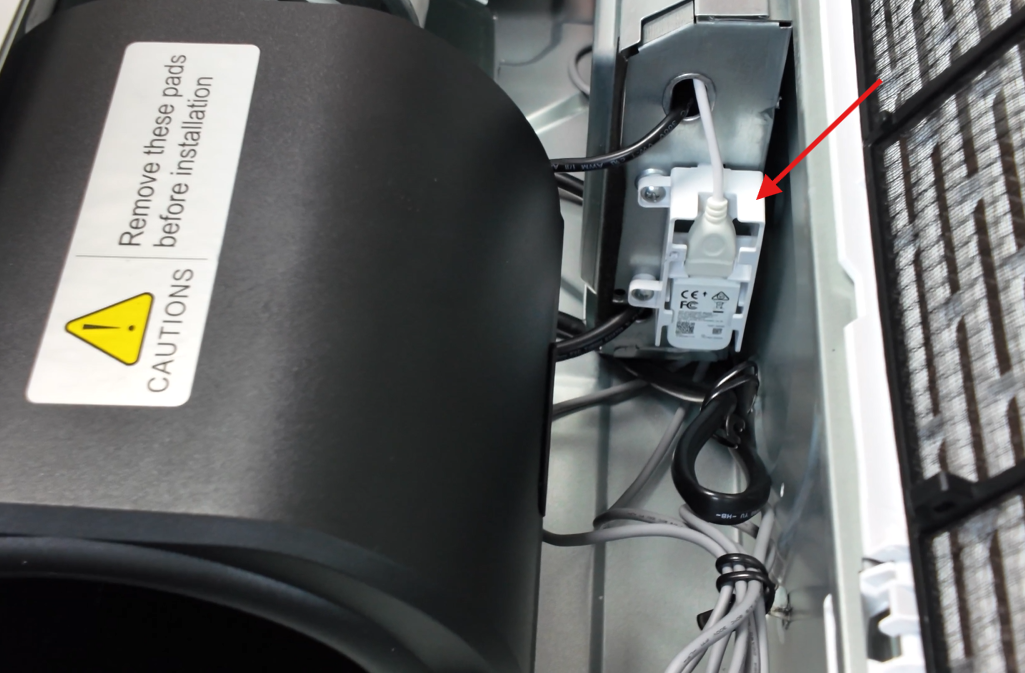
The eight-way ceiling cassette, ducted ceiling concealed, and universal floor-ceiling flex systems have the USB drive module already installed. Below are the locations of the USB drive module in those systems.
8-Way Ceiling Cassette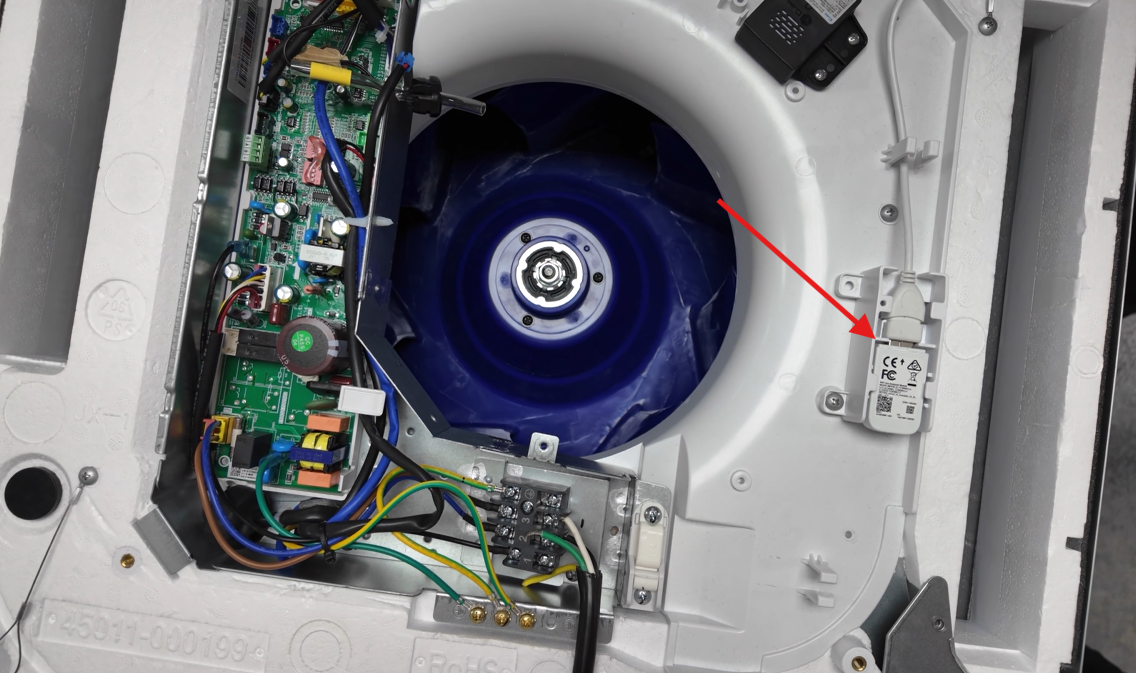
Ducted Ceiling Concealed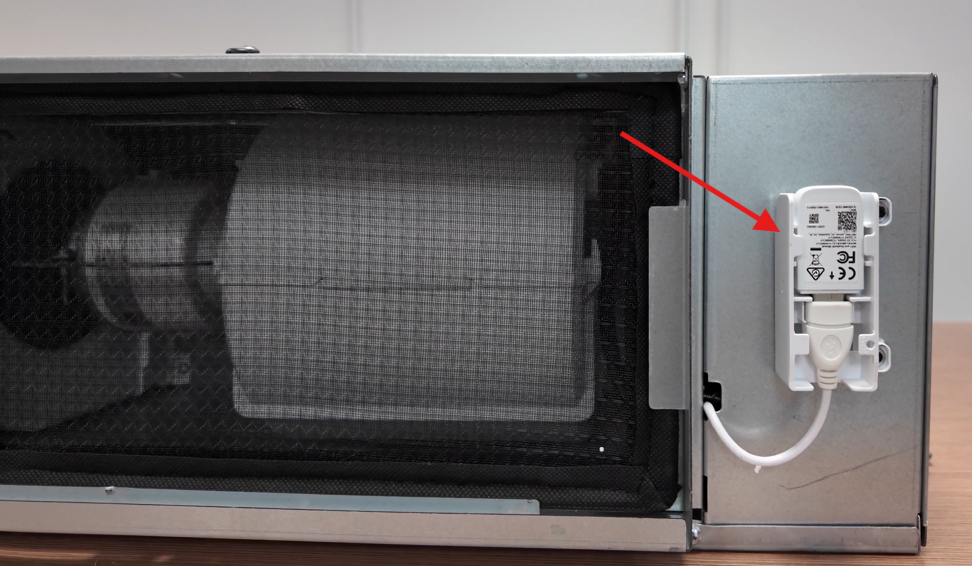
Universal Floor-Ceiling Flex