Configure Home Management Settings in the Pioneer Airlink AppUpdated 7 months ago
Introduction
This article explains how to configure the home management settings in the Pioneer Airlink app.
Users can configure a personalized home in the app settings to conveniently control the device's temperatures and functions. This is helpful for users with multi-zone systems because each room or zone configured in the settings can be set to a unique temperature or mode.
Configure Home Management Settings
1. Open the Pioneer Airlink app.
2. Open the "Me" tab. 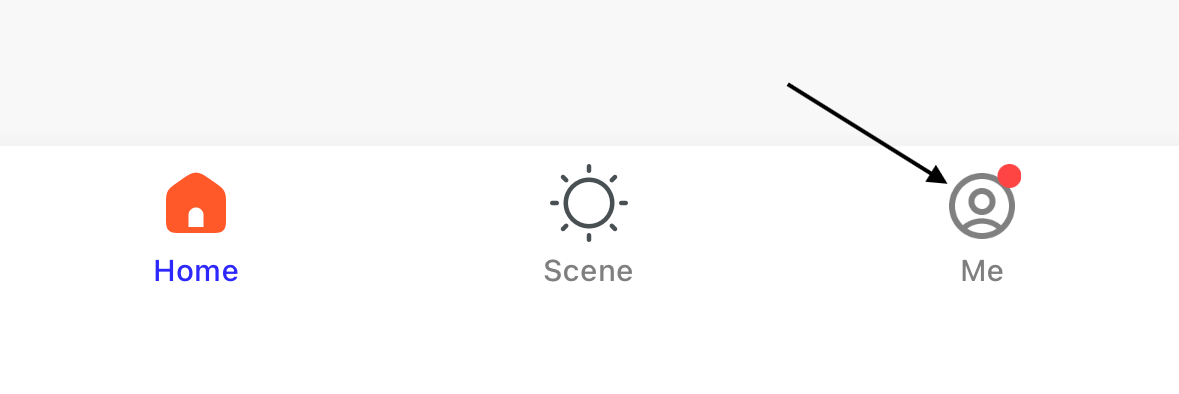
3. Tap "Home Management" to open the home management settings. 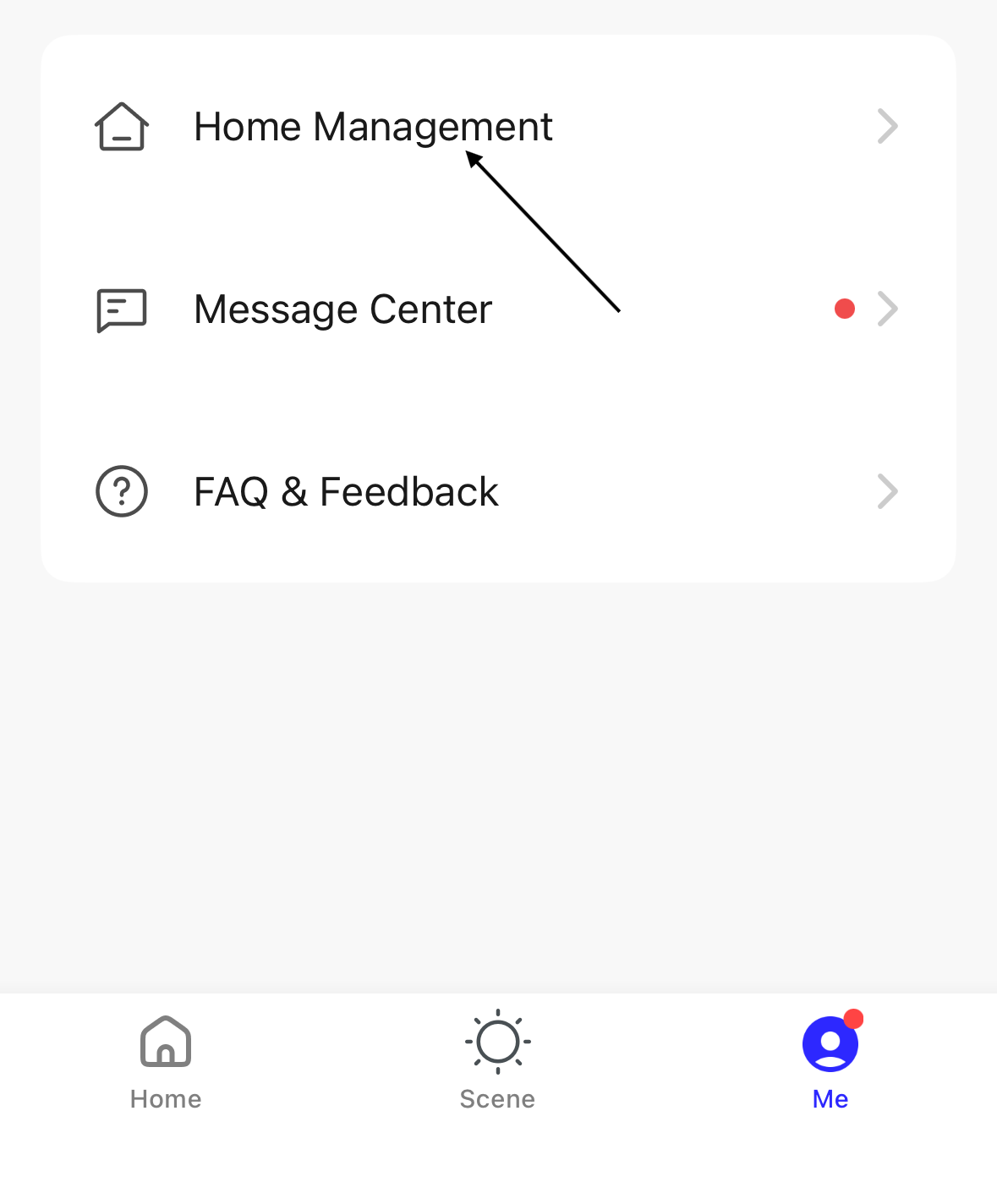
4. Tap "My Home .." to set up a personalized home. 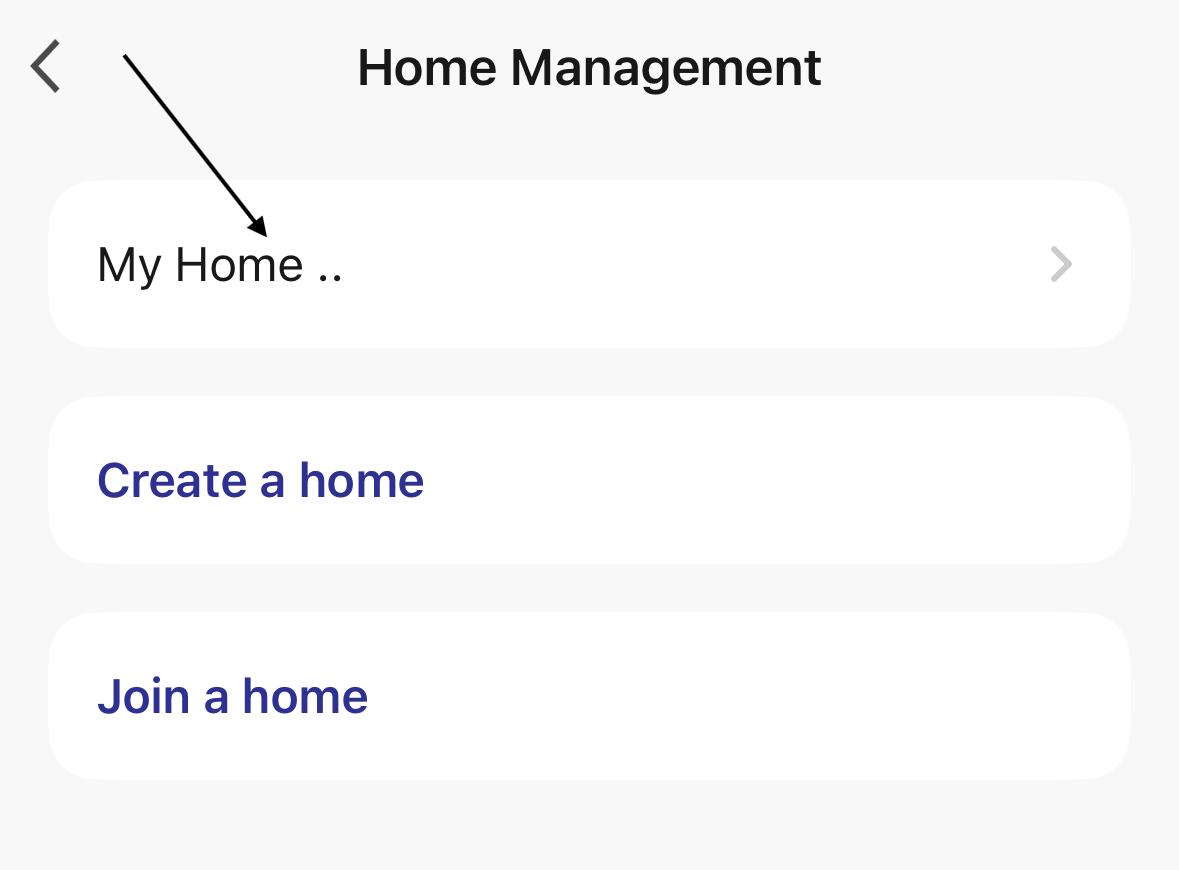
5. Enter a name for the home. 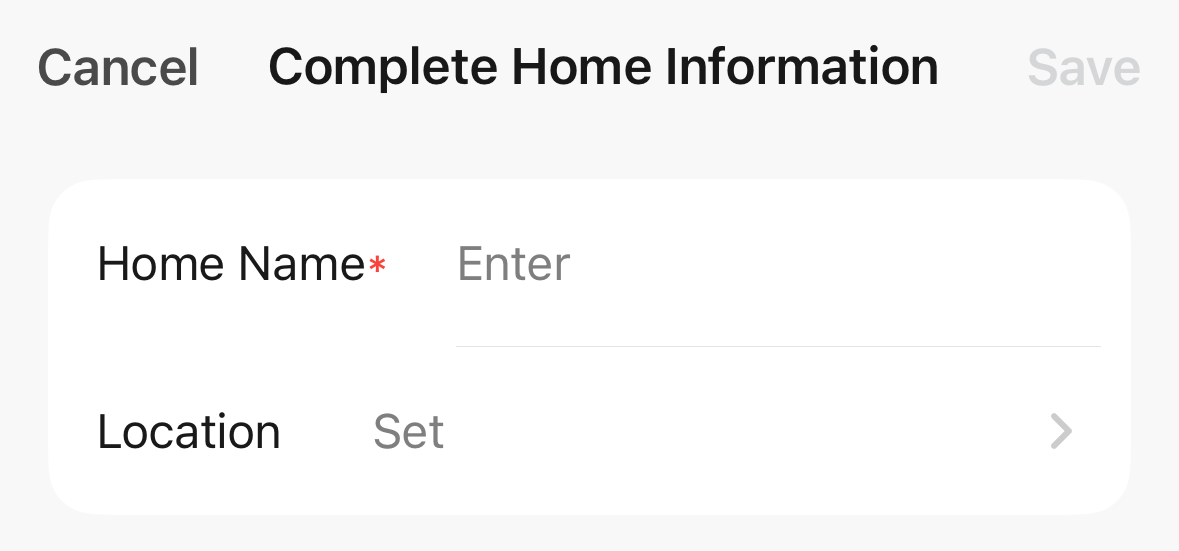
6. Select the location for the home, then tap "Cofirm". 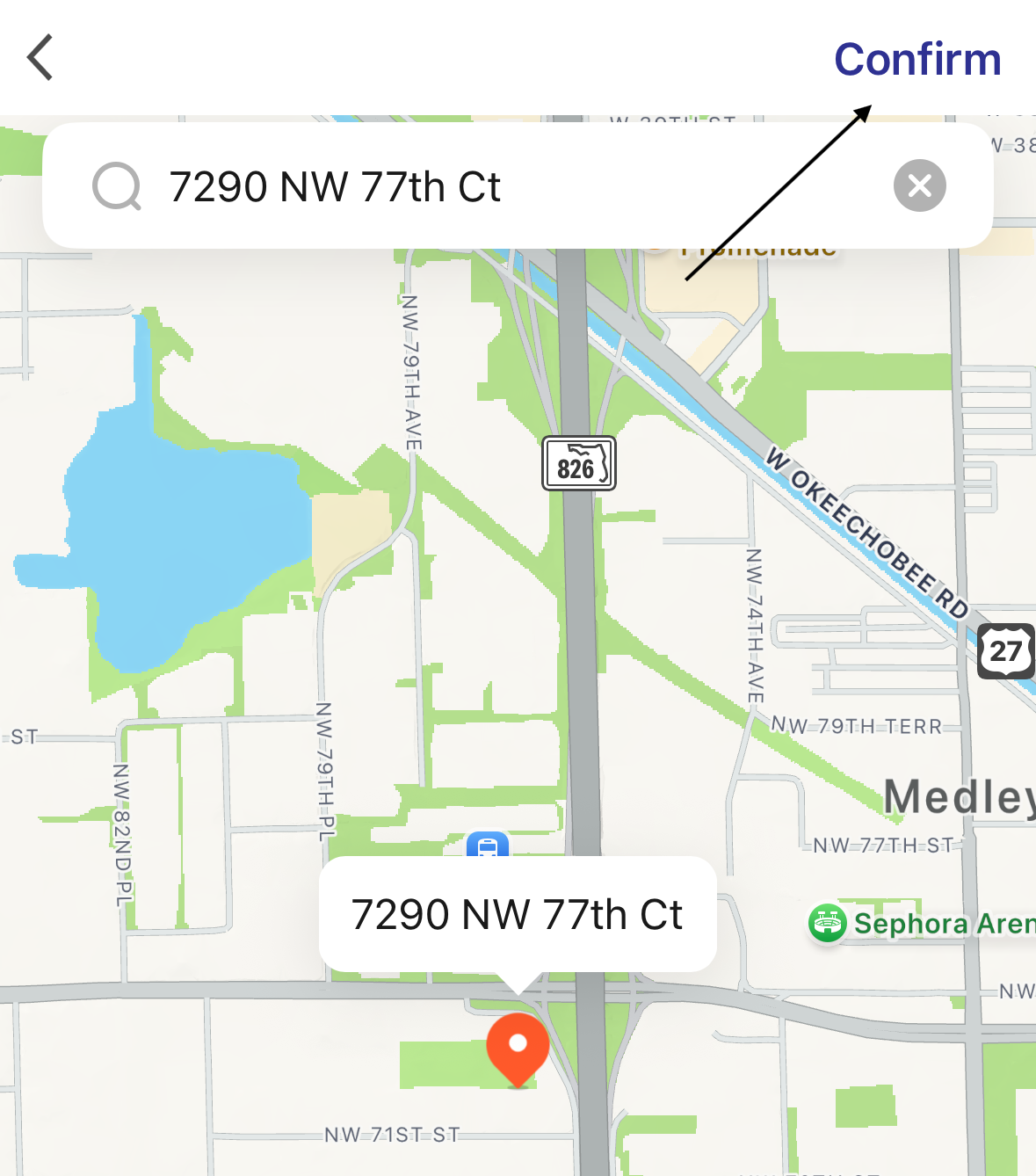
7. Select the rooms that are in the house. The check mark indicates the room is selected. 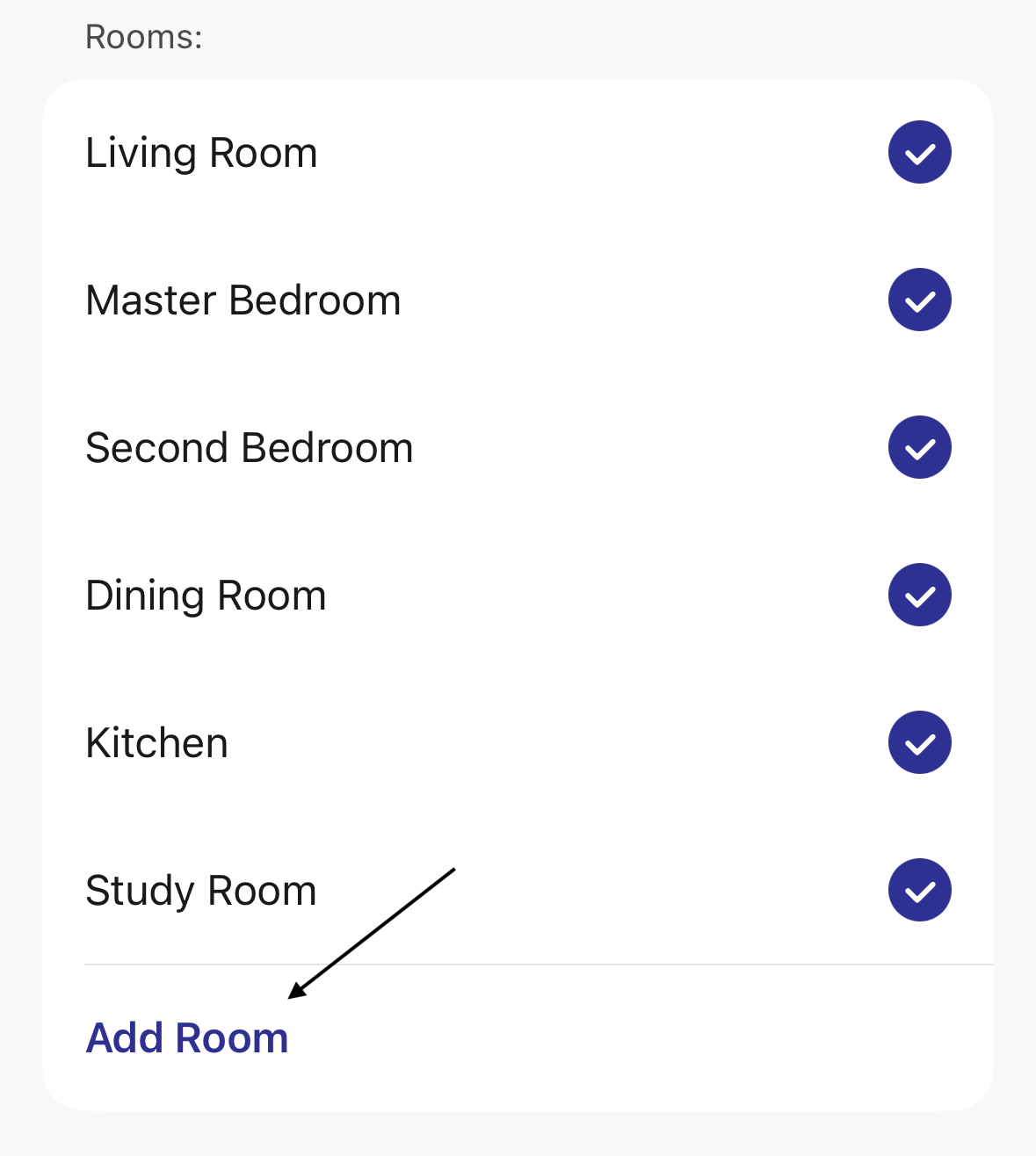
If a specific type of room is not listed, users can add a new one by tapping "Add Room".
8. After configuring the settings, tap "Save" to confirm the home information. 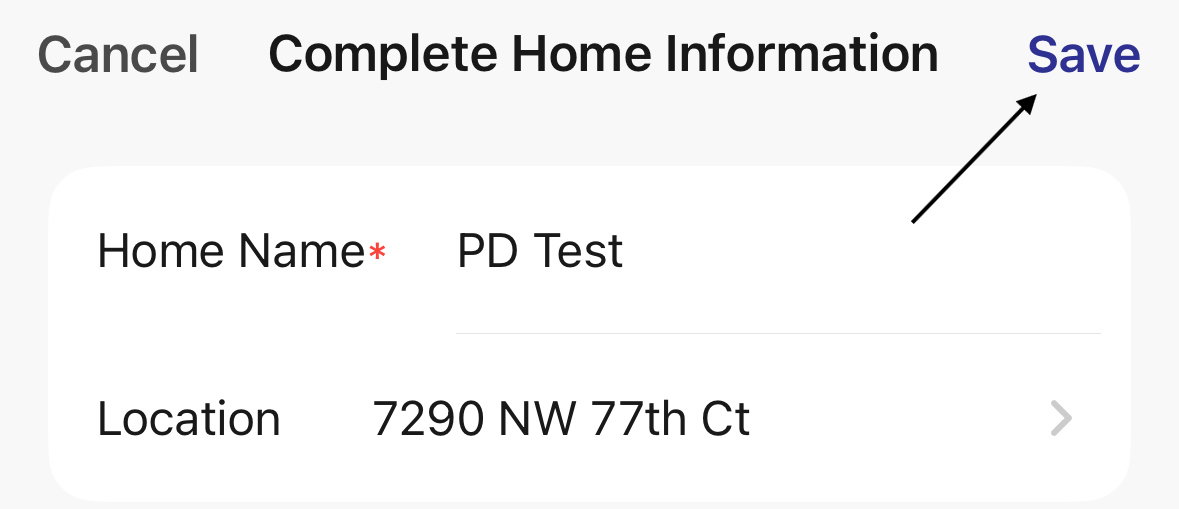
Additional homes can be created by tapping "Create a home". 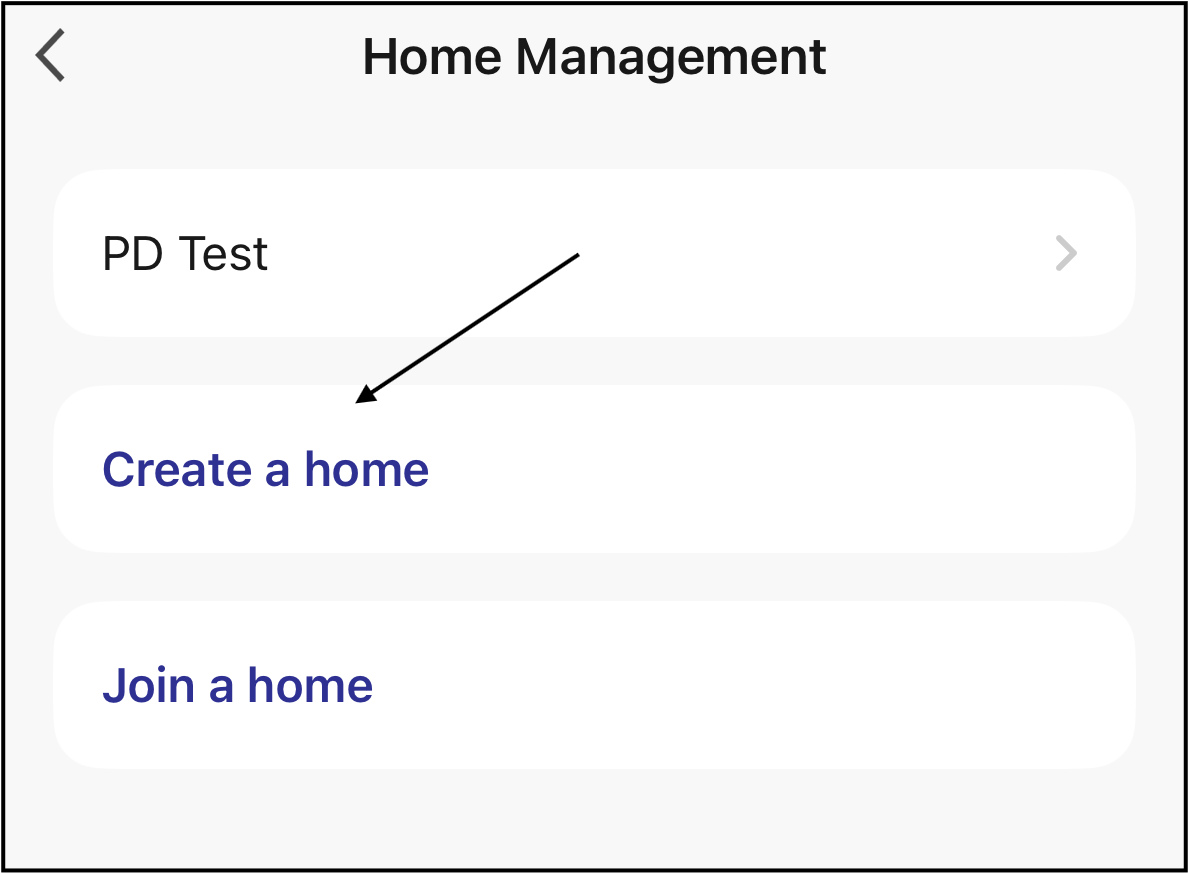
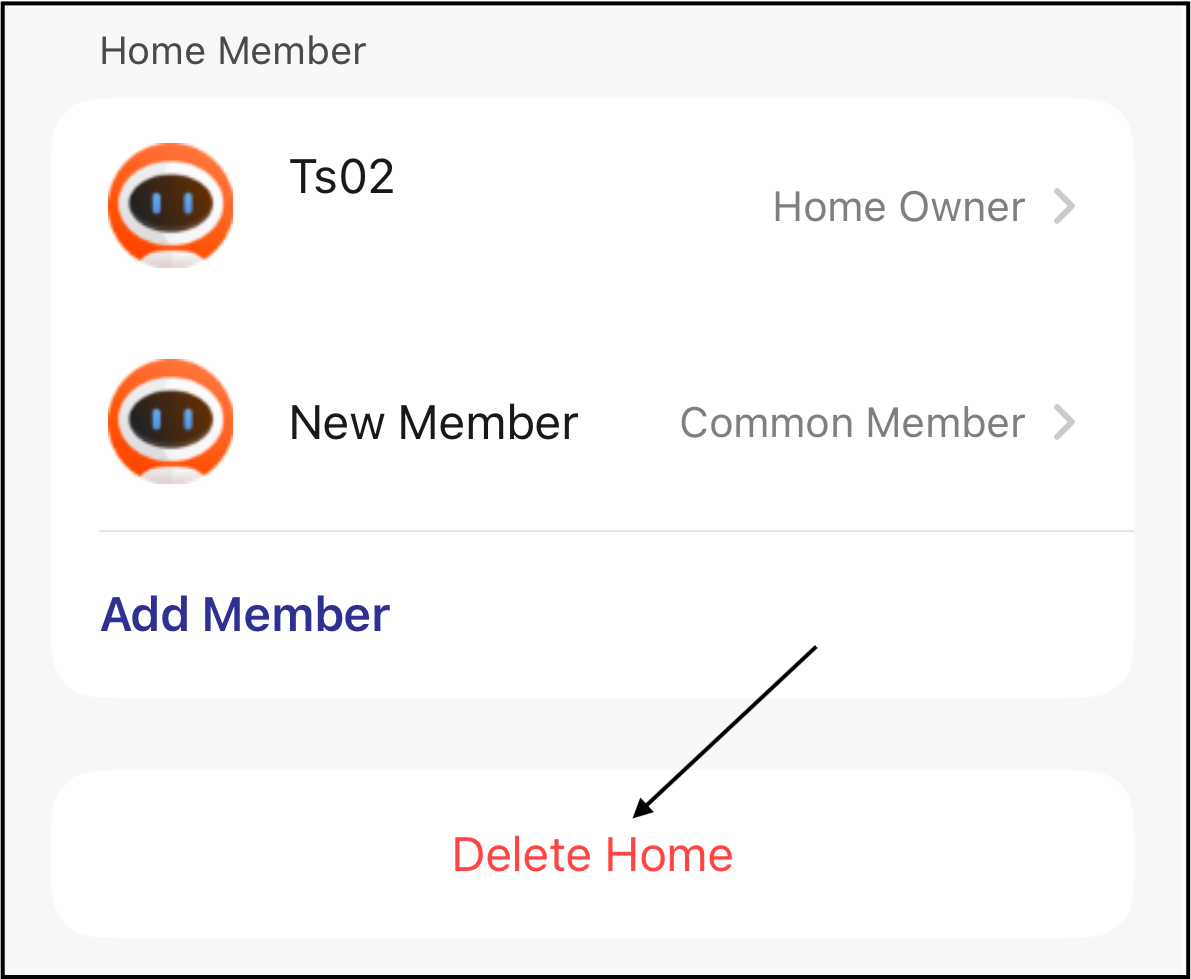
Existing homes can be deleted by tapping "Delete Home".