
Change the Languauge in the Pioneer Airlink AppUpdated 7 months ago
Introduction
This article explains how to change the language in the Pioneer Airlink app.
Users can change the language in the app to their preference.
Steps
1. Open the Pioneer Airlink app.
2. Open the "Me" tab. 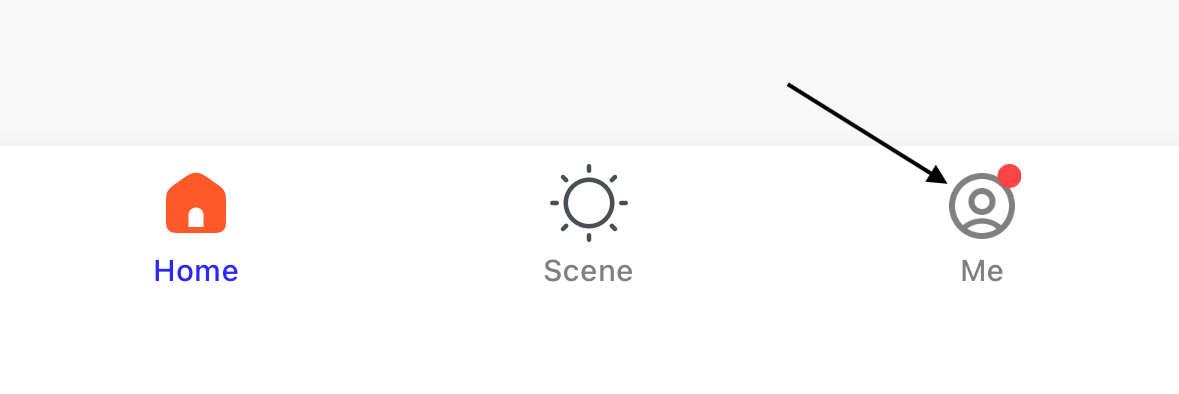
3. Tap the settings icon in the top-right corner of the screen. 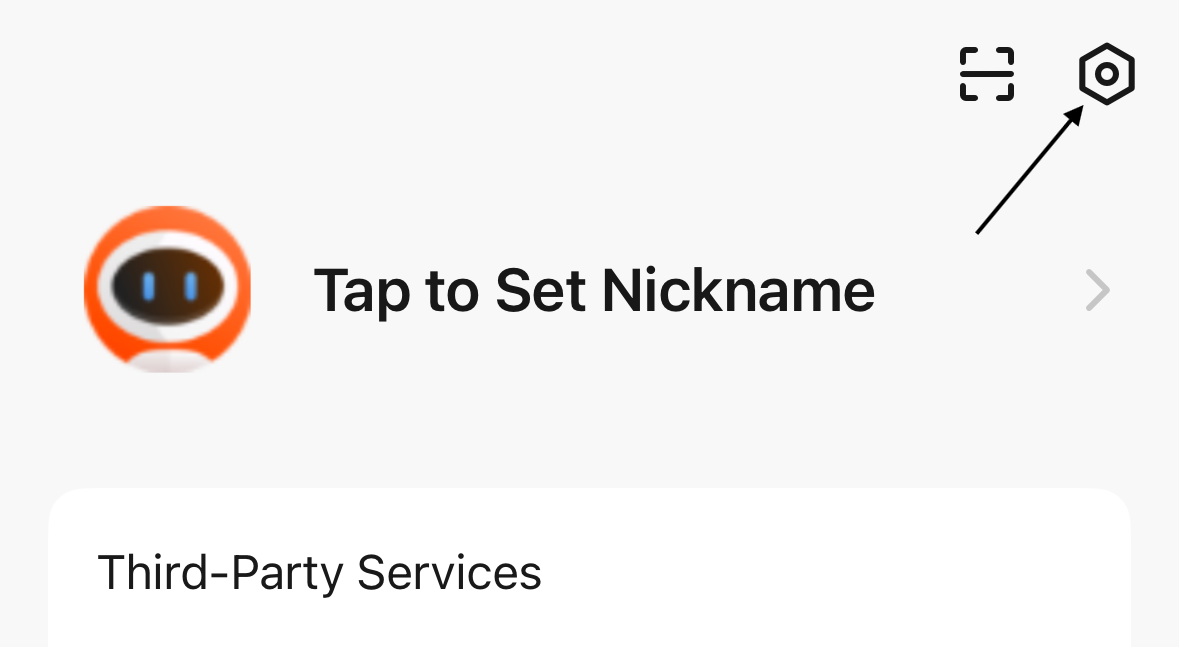
4. Tap "Language".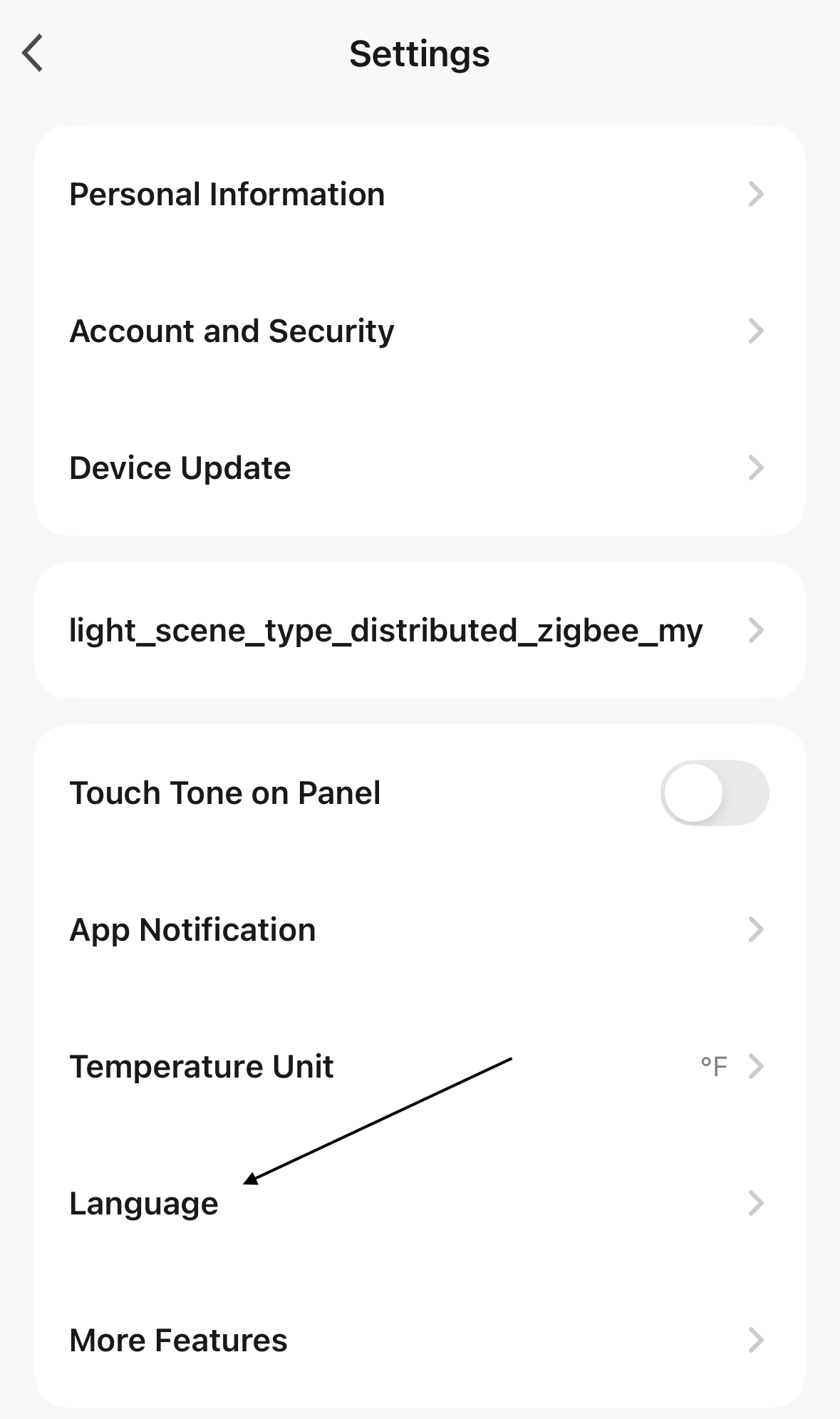
5. Select the language you want to switch to. 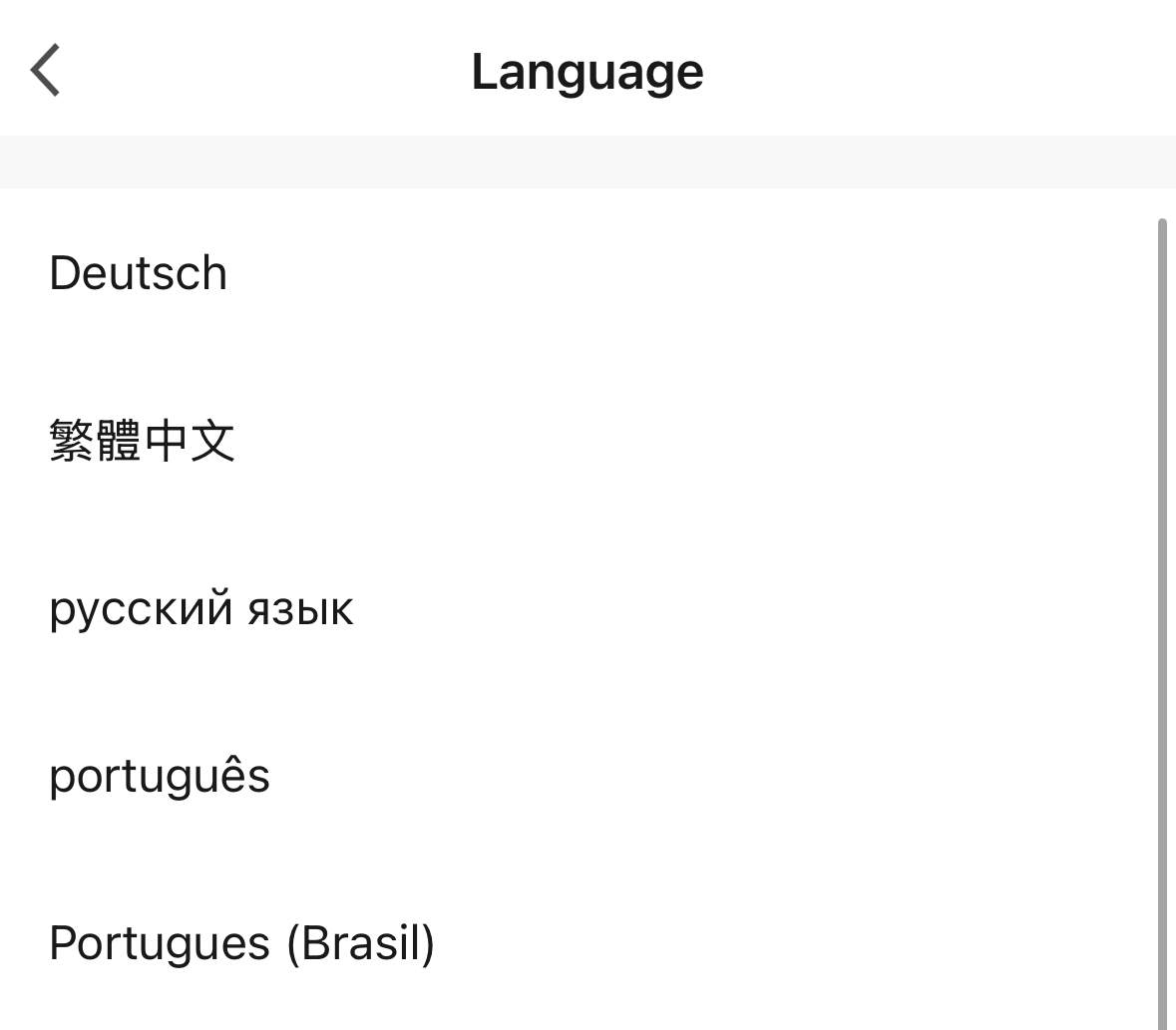
The app will switch to the selected language.