
Change the Email Address Linked to Your Pioneer Airlink App AccountUpdated 7 months ago
Introduction
This article explains how to change the email address linked to your Pioneer Airlink app account.
Steps
1. Open the Pioneer Airlink app.
2. Open the "Me" tab. 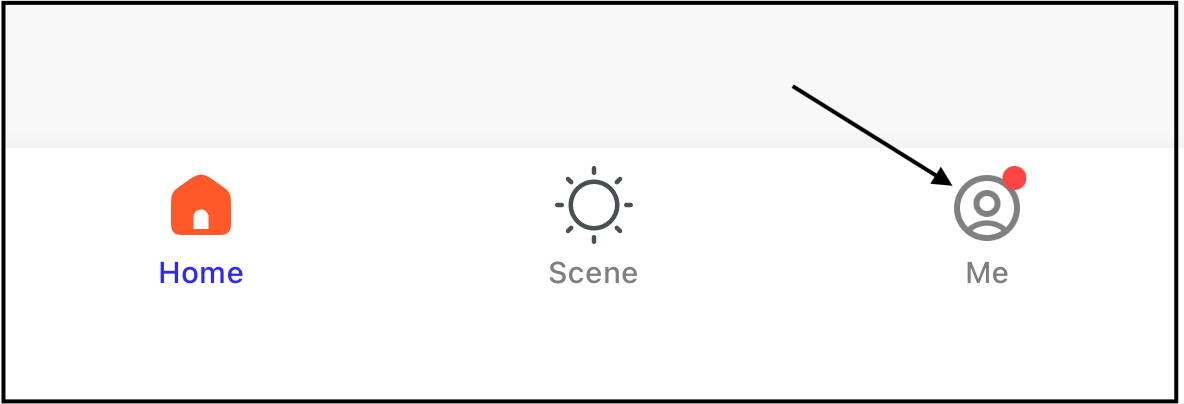
3. Tap the settings icon in the top-right corner of the screen. 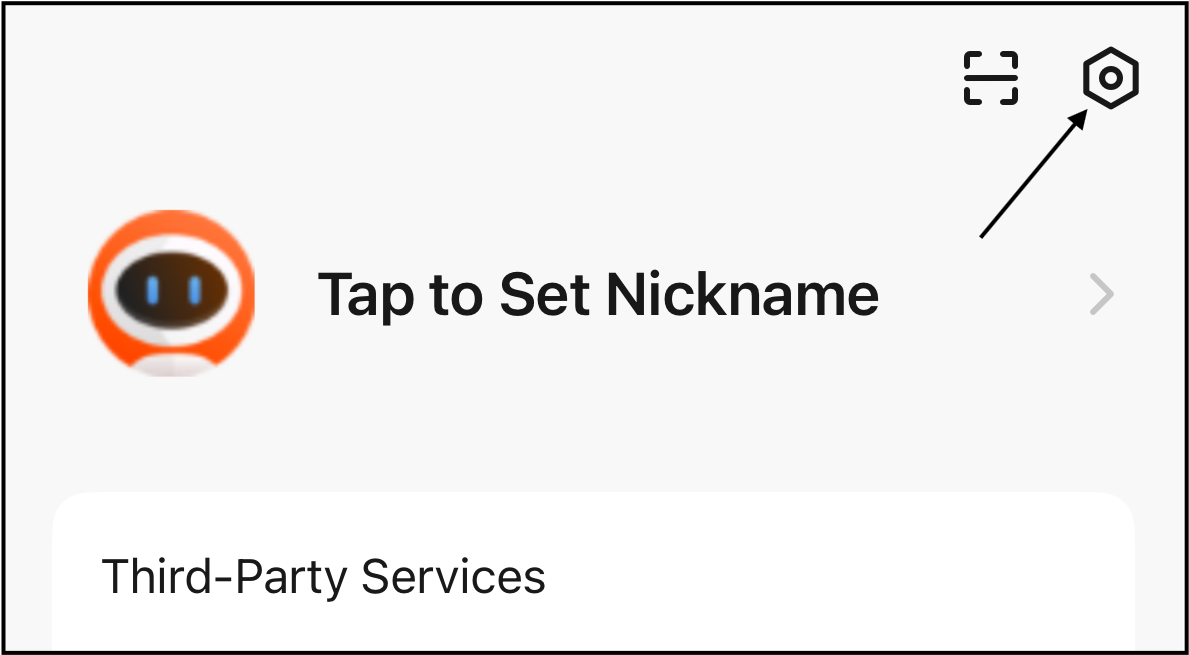
4. Tap "Account and Security". 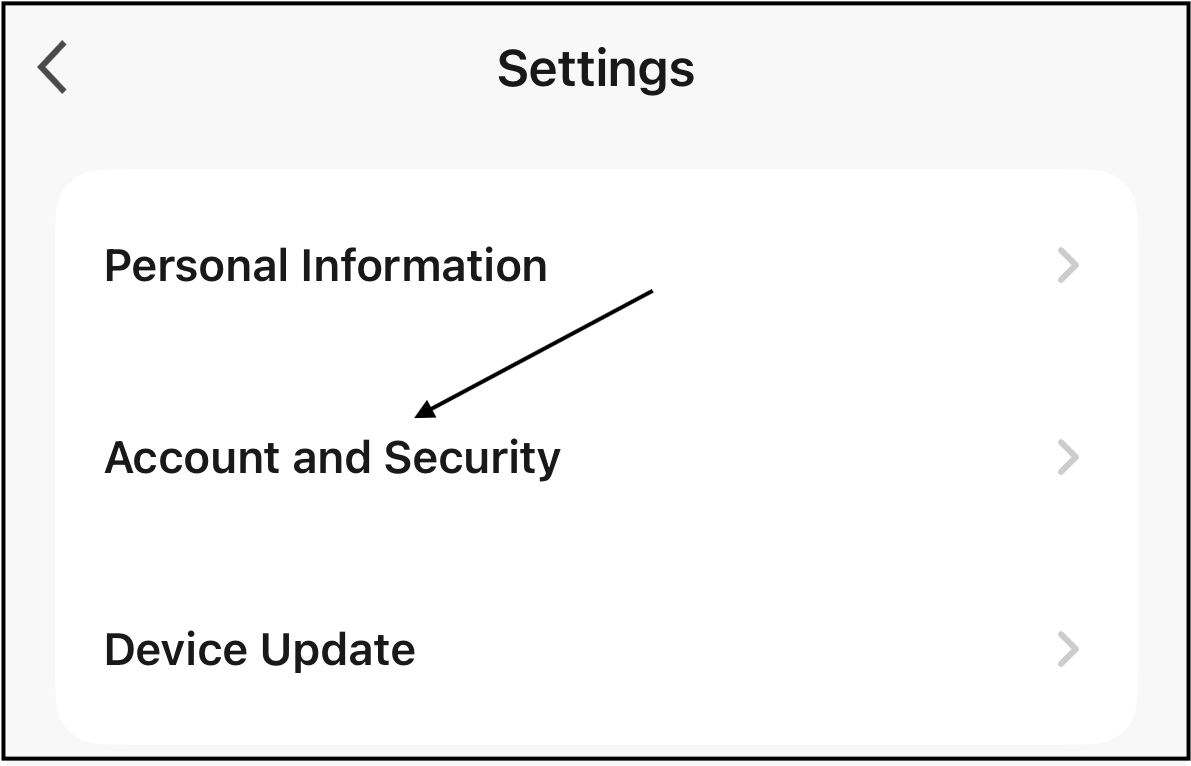
5. Tap "Email Address". 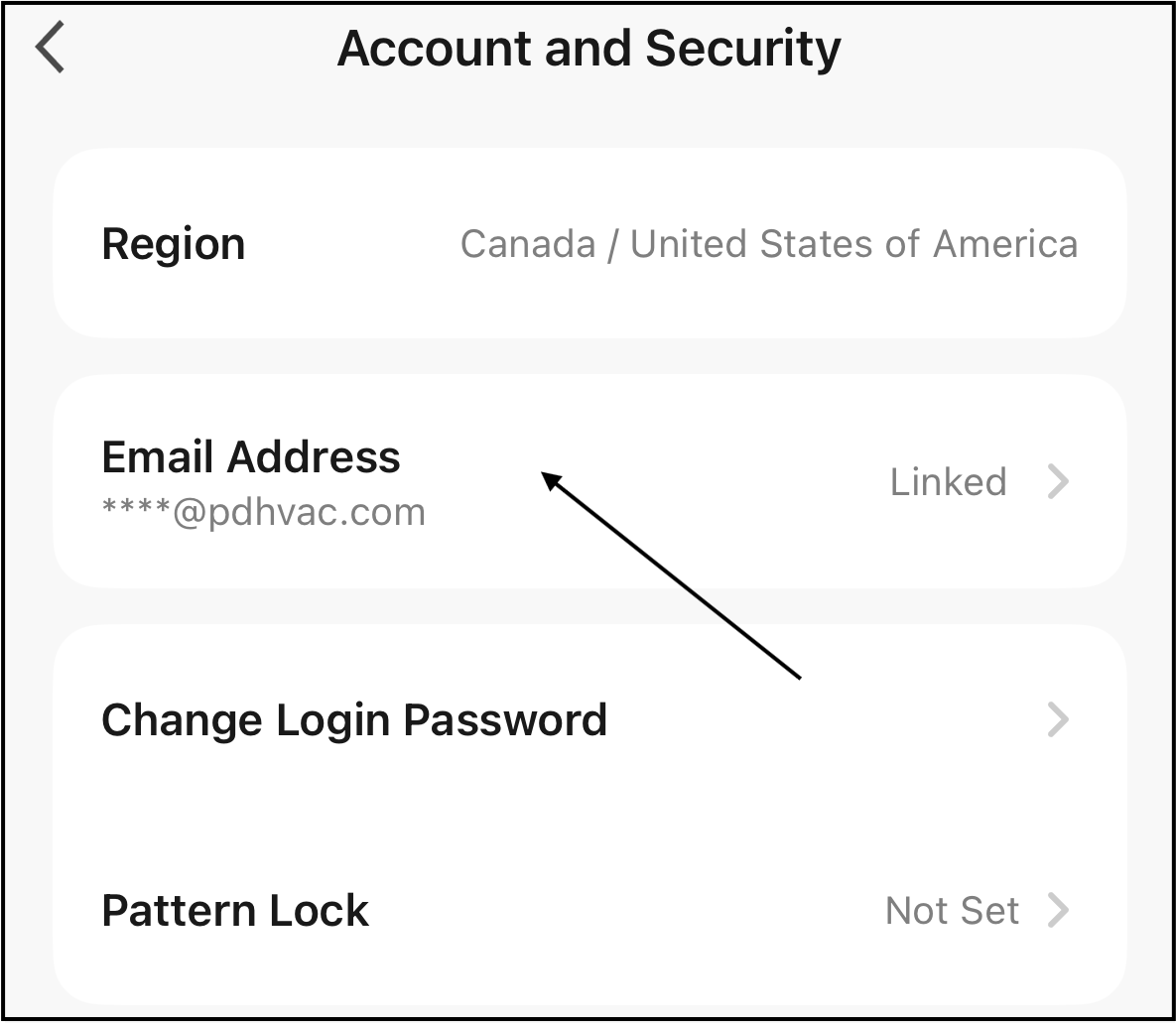
6. Tap "Change email".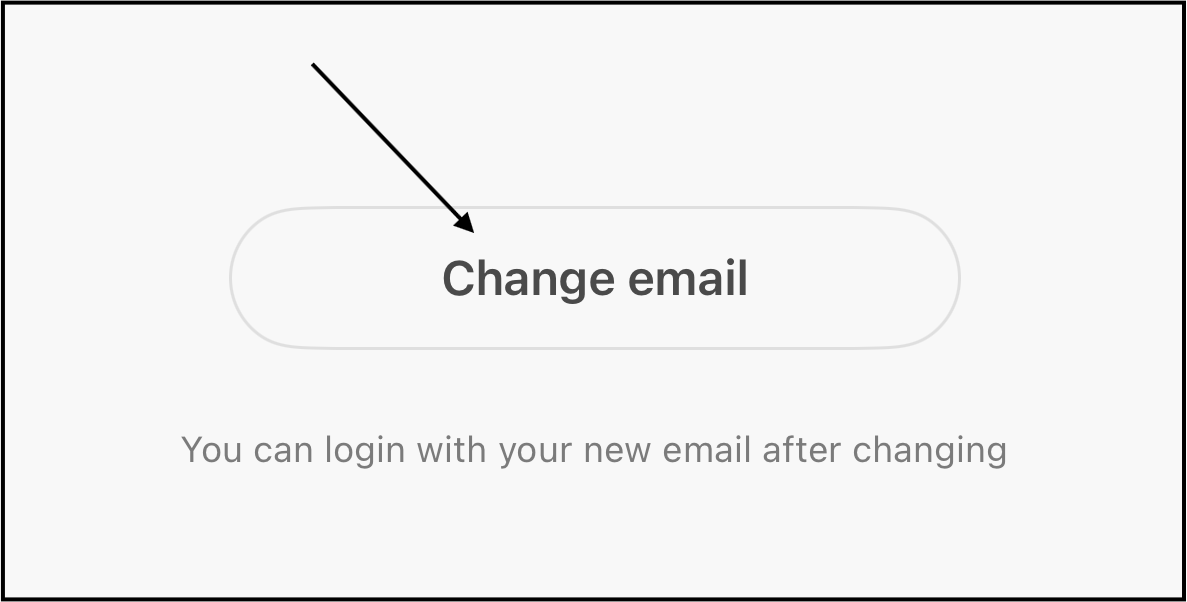
7. Enter the login password for the account, then tap "Next". 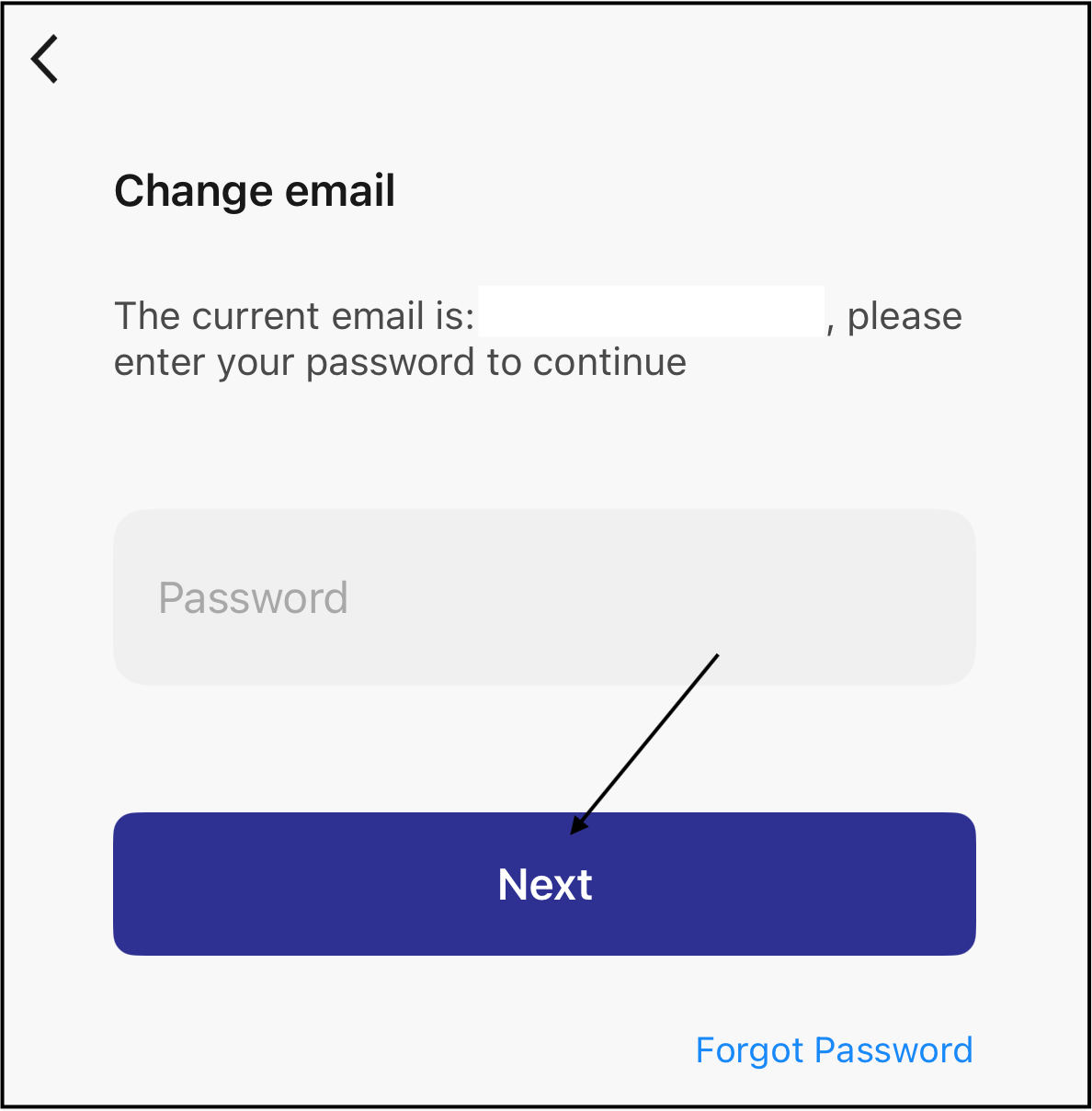
8. Enter the new email address.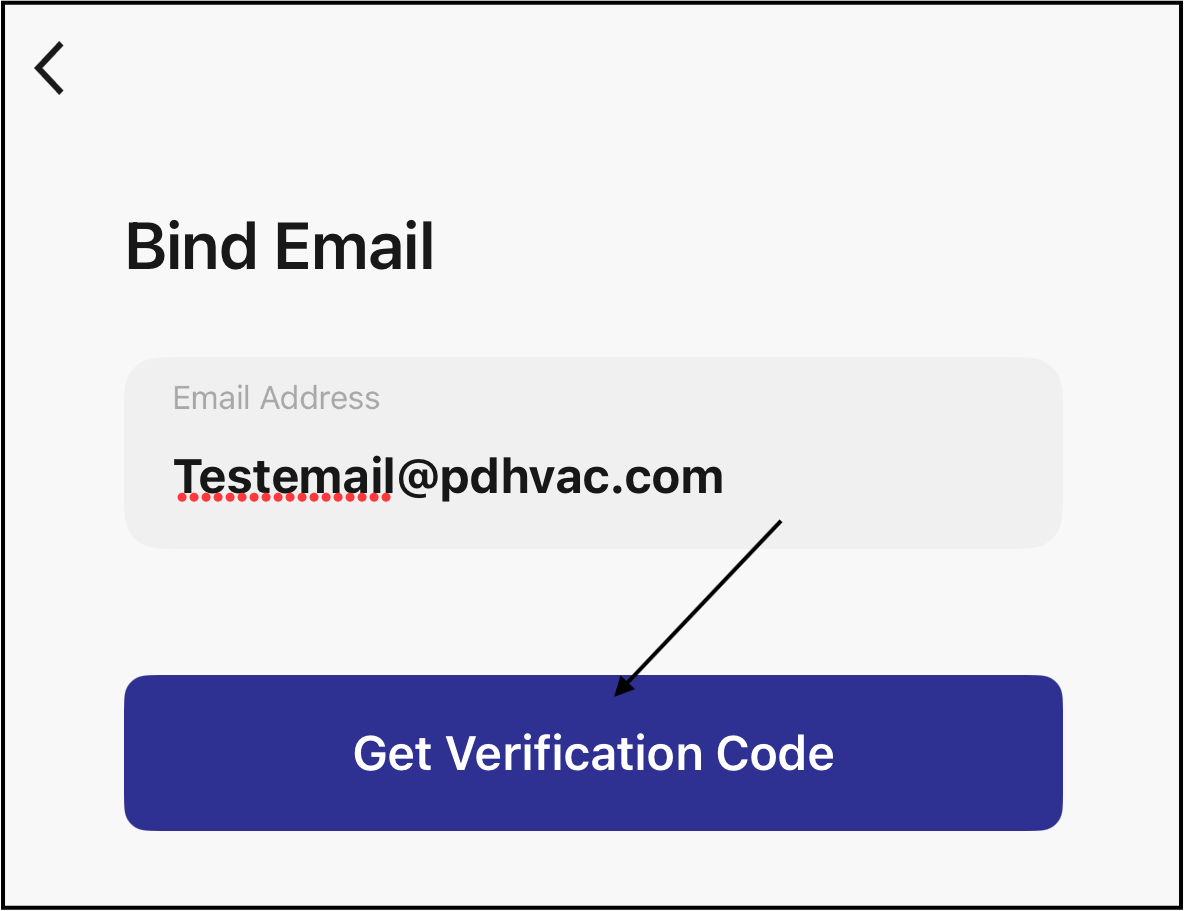
9. Tap "Get Verification Code" to send a verification code to the new email address.
10. Enter the verification code sent in the email. 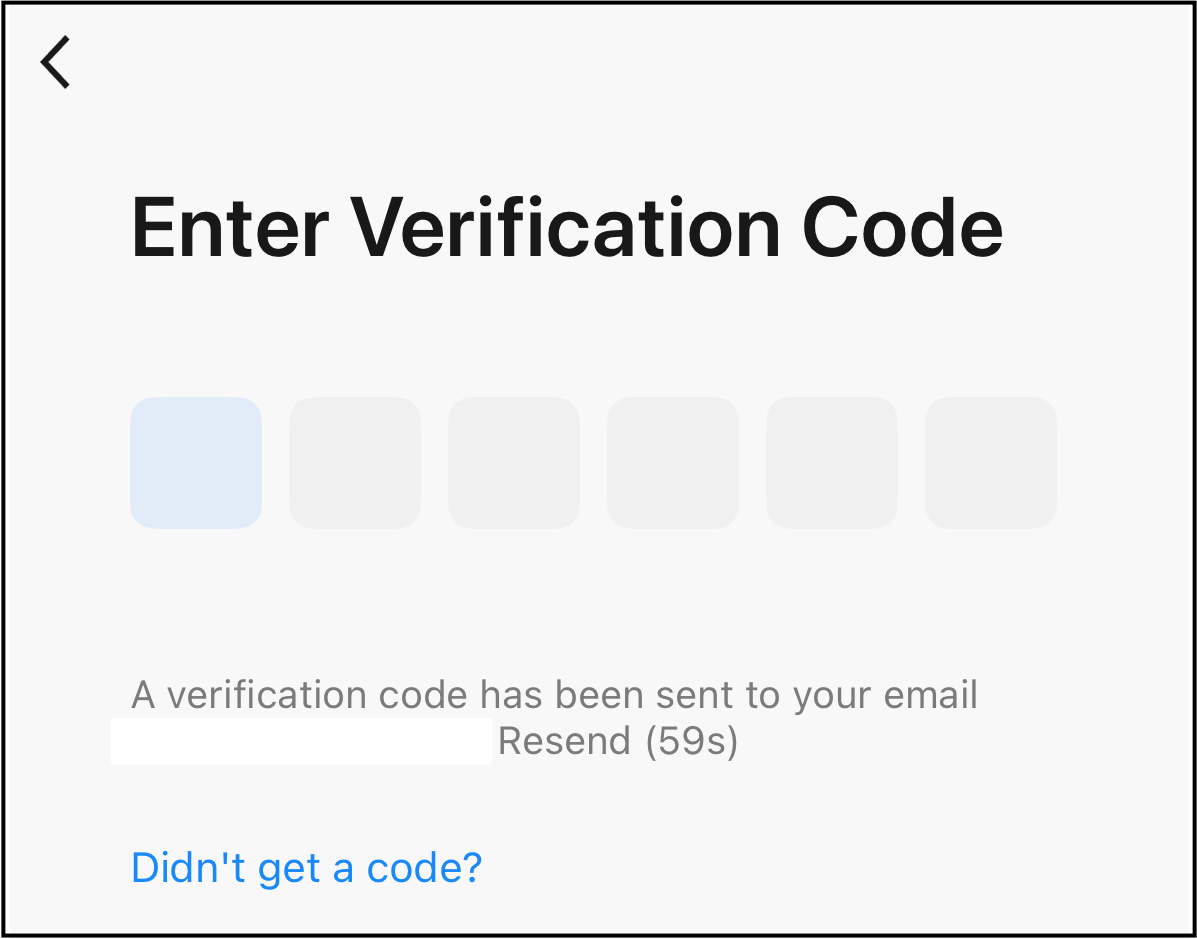
The new email address is now linked to the app.